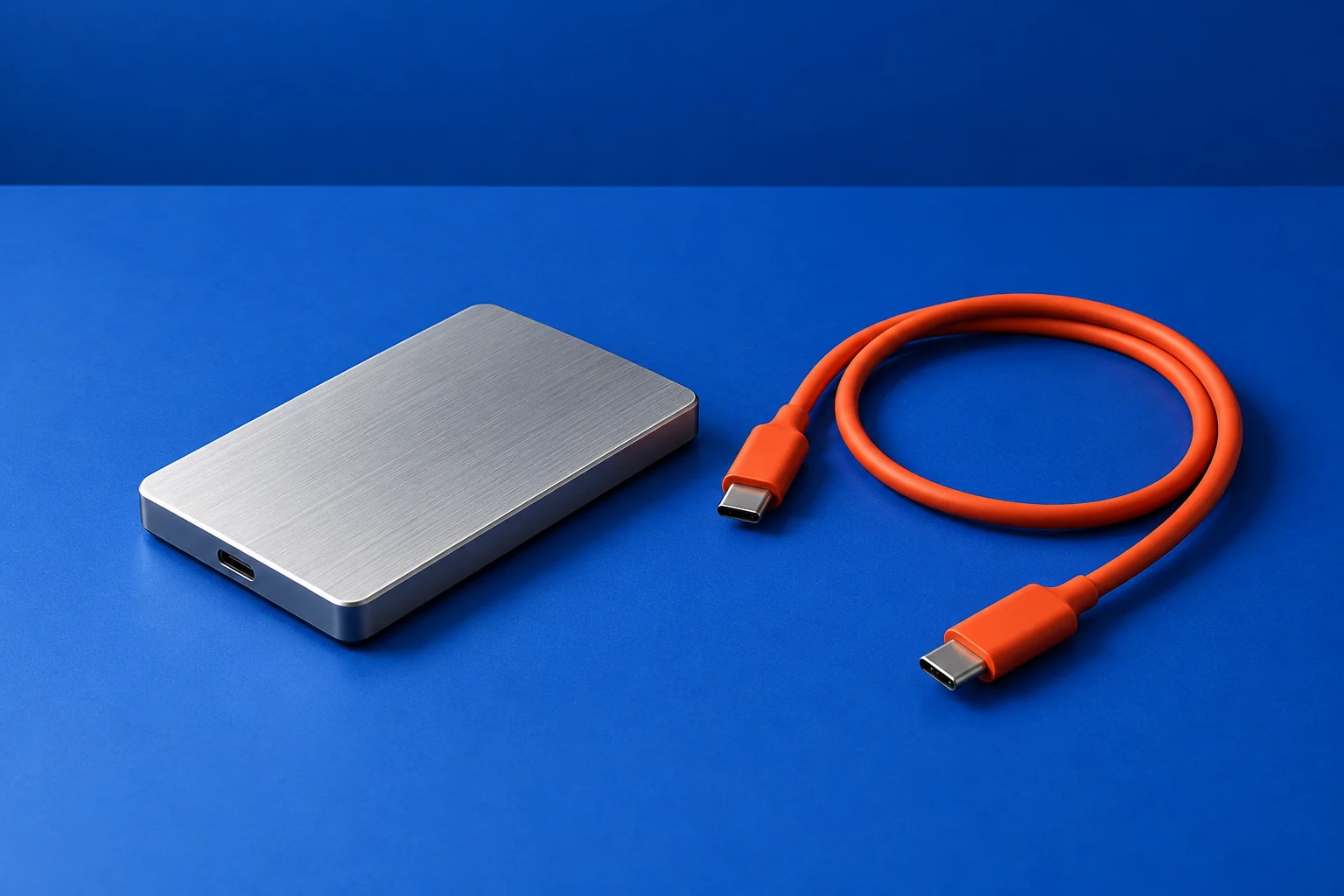
Sync is not a backup. Here’s the difference.
A file appearing on two devices does not guarantee you can recover yesterday’s version. Build your plan around recovery, not the cloud icon.
Practical guides, useful AI, and the context behind what’s changing.
Find your next readA file appearing on two devices does not guarantee you can recover yesterday’s version. Build your plan around recovery, not the cloud icon.
Explore the chips, radios and software behind connected devices. Start simple, then go deeper.
Explore the hardware field guide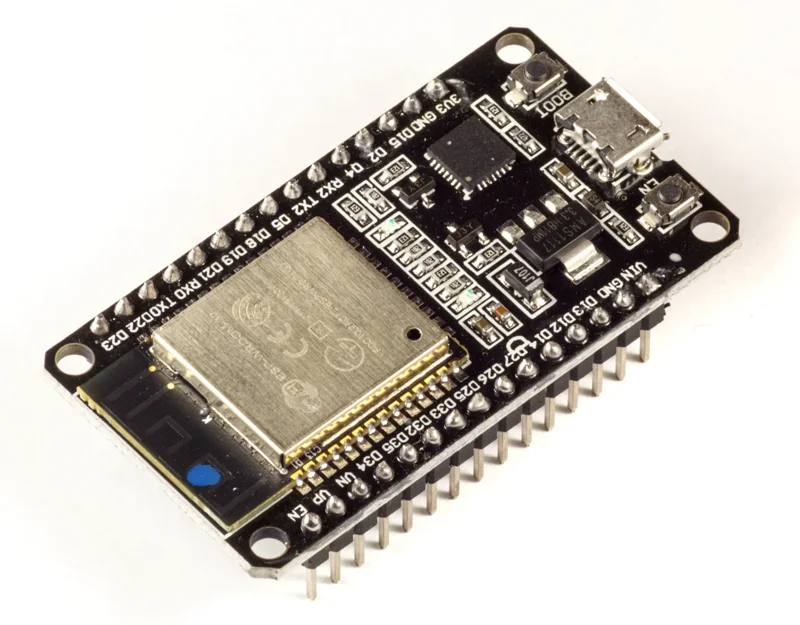
A model file, its target chip and the camera's runtime form a compatibility chain. The image preparation and output interpretation matter too.
A keyboard controller, a shared data bus and software each have a job. The distinction also explains why a key event is not the same as a count of held keys.
The C5 adds a second Wi-Fi band to the ESP32 family's choices. The chip, board, antenna, software and local network still have to work together.
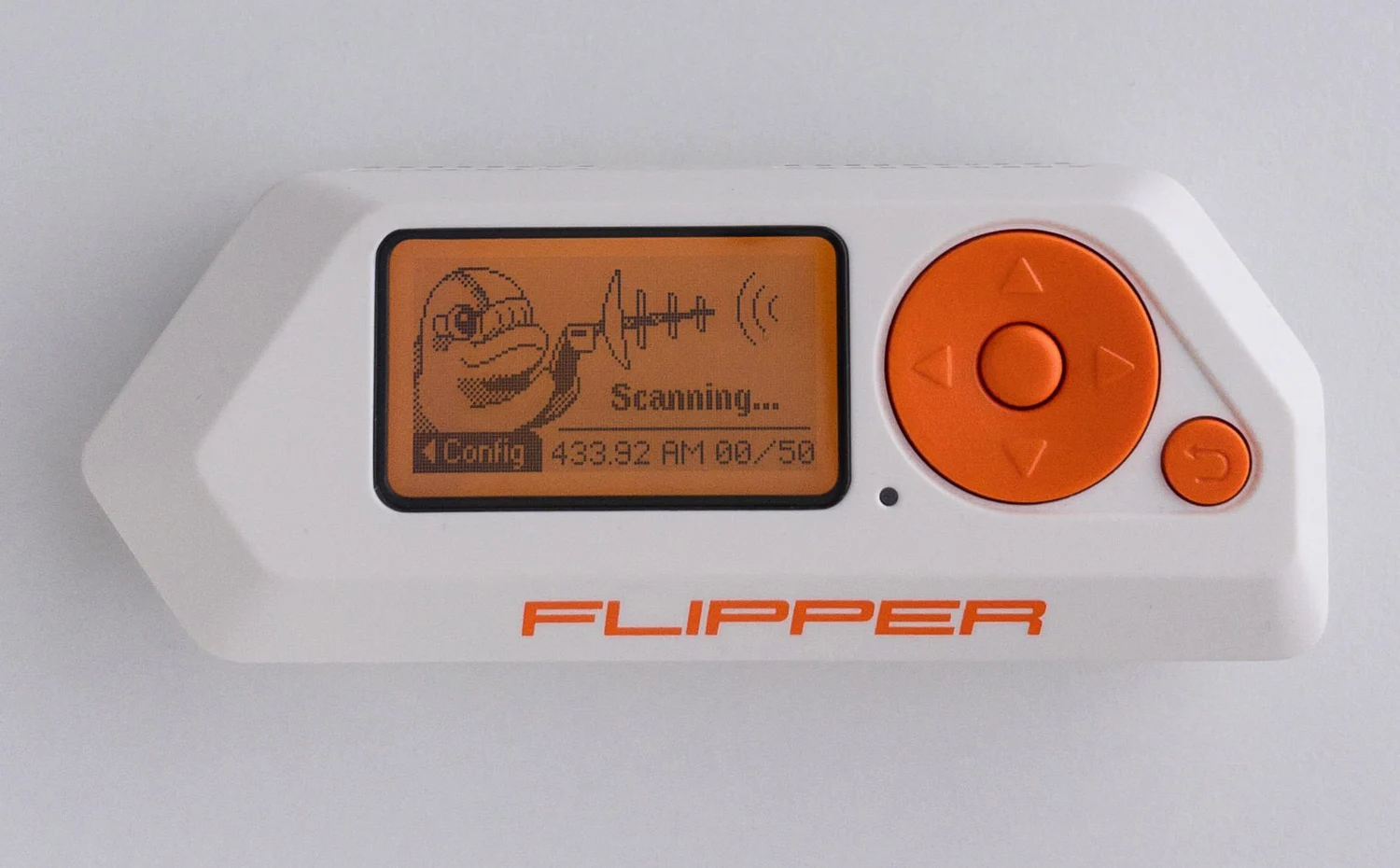
A frequency tells you where a signal sits, not whether a handheld can understand it. Follow the layers from radio settings to protocol and authorized use.
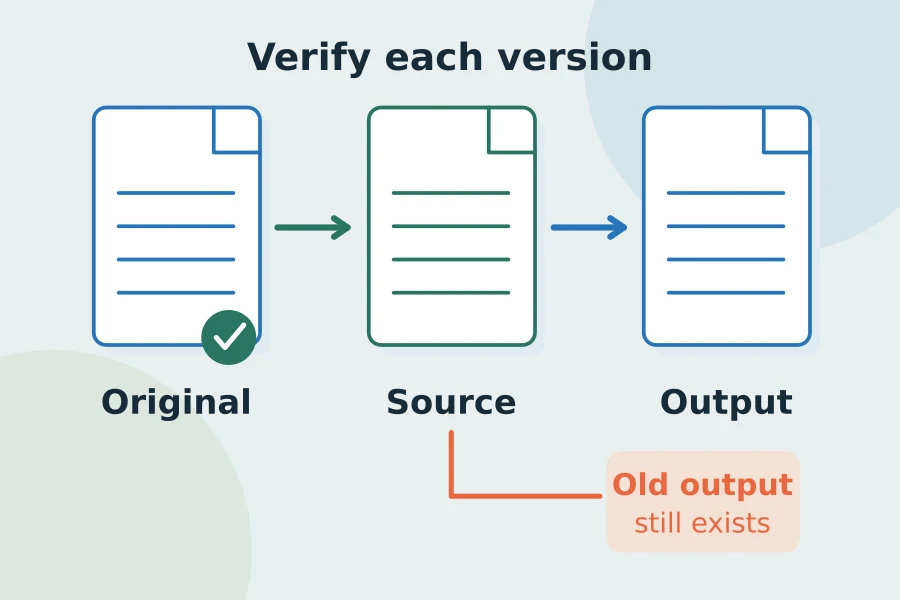
A changed document, an imported source, and an earlier generated summary can show different versions. Follow the change through each one before trusting a new answer.
A paused account, an active upload, and a folder containing a temporary file can look like the same delay. Read the OneDrive activity message before moving or deleting anything.
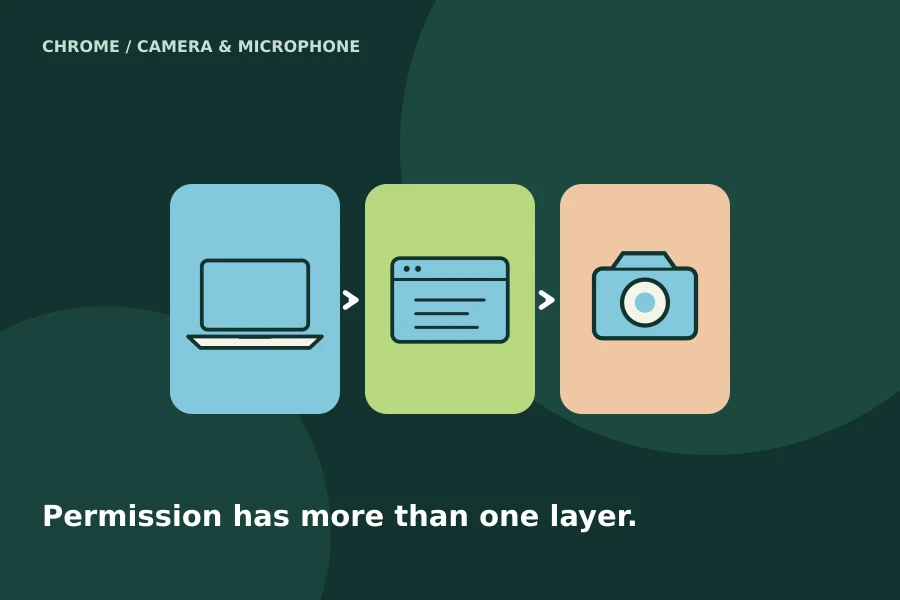
On Windows, a website’s Allow setting and the computer’s privacy controls do different jobs. Check them separately, then confirm which camera or microphone the call uses.
Waiting for Wi-Fi, a full account, and one unsupported file need different responses. Use the backup status and a single photo to find where the upload stops.
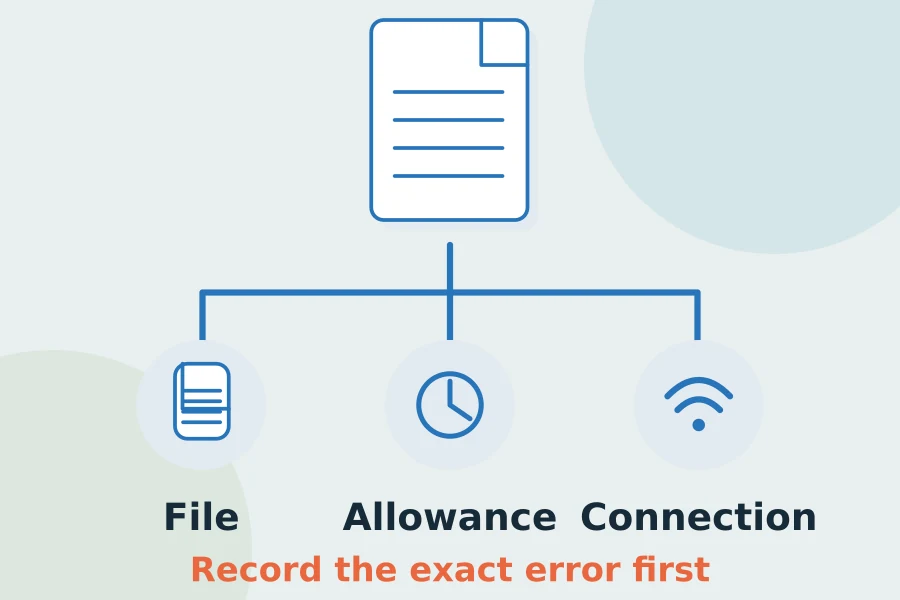
An upload error can mean an unsuitable file, a usage limit, or a connection problem. Record the message before choosing the next test.
A missing Bluetooth switch calls for different checks from headphones that refuse to pair. Establish whether Windows can see the adapter, then follow the right recovery path.
A missing RCS switch is different from a message that will not send. Check carrier support, the active phone line, and carrier settings before changing your conversations.
A blank player or failed sign-in does not identify the cause. Use a reversible, site-specific comparison to see whether Firefox's tracking protection is involved.
A sudden drop in playback quality during a call can come from an audio mode change. Reproduce the trigger, check the selected microphone, and distinguish Classic Bluetooth from supported LE Audio.
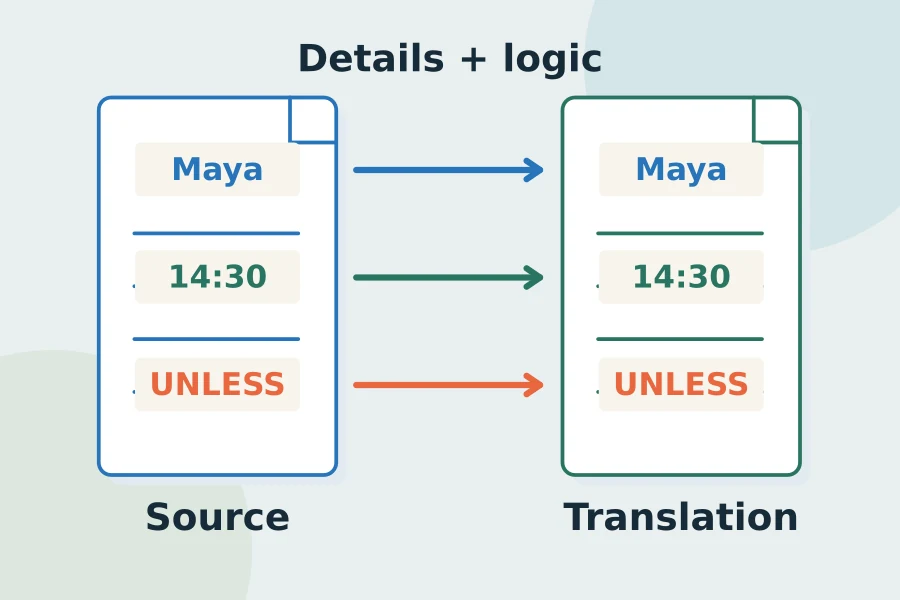
Read names, quantities, dates, and conditions against the original before polishing the wording. Fluent sentences are only one part of a usable translation.
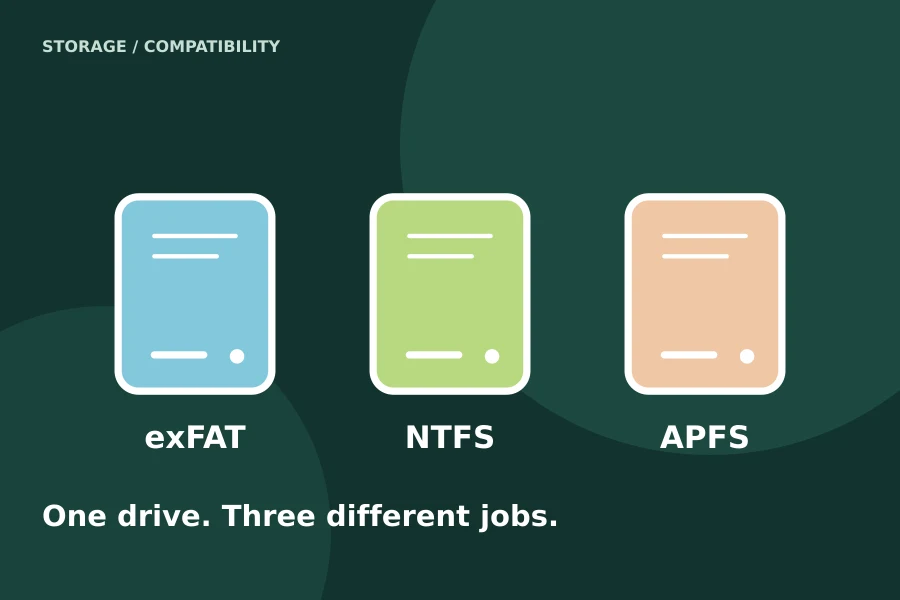
A drive for moving files between computers has different needs from a dedicated backup disk. Check compatibility and preserve the existing files before changing its format.
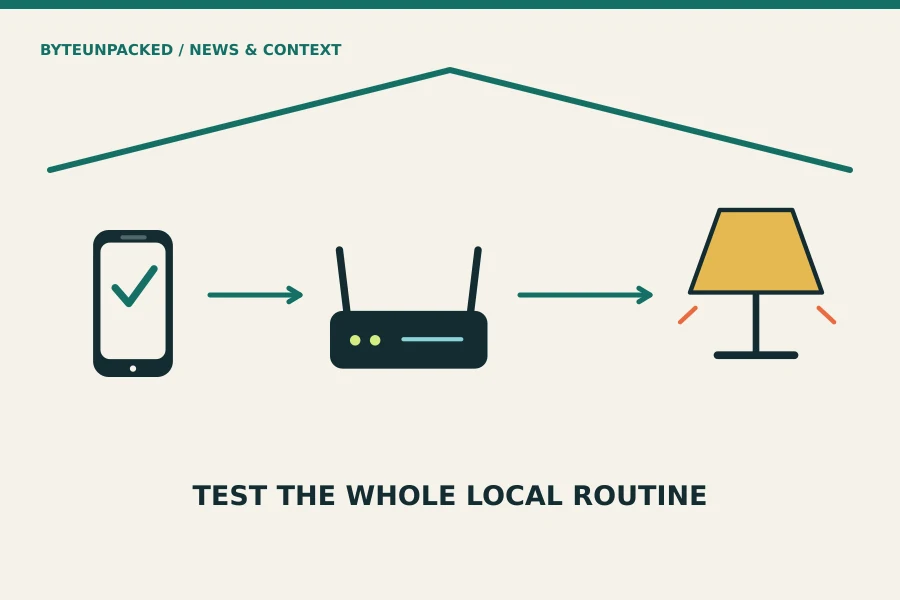
A lamp can accept local commands while its voice assistant or automation depends on the cloud. Test the controls you use, not just the logo on the box.
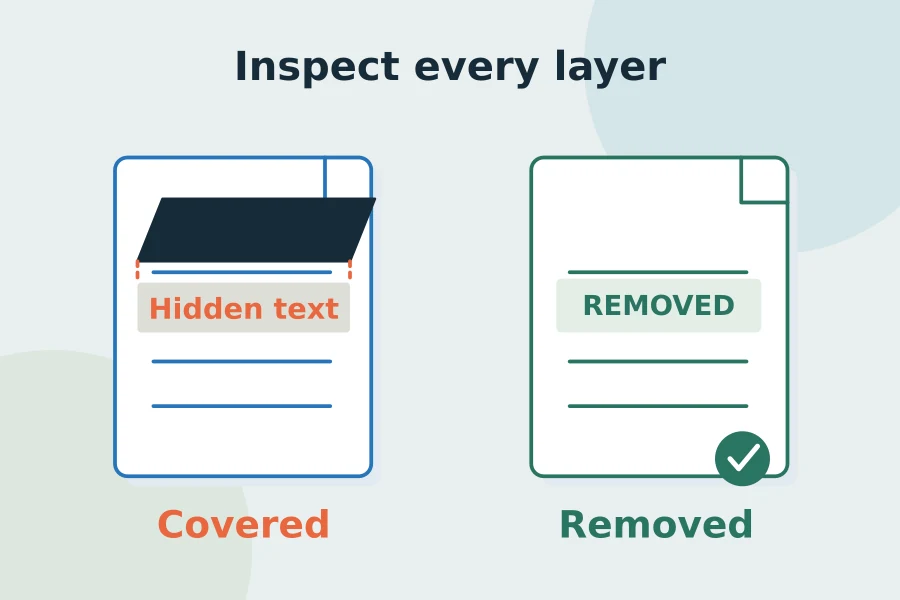
A black rectangle can hide a name on screen while leaving it readable inside the file. Prepare and inspect a separate sharing copy before uploading it.
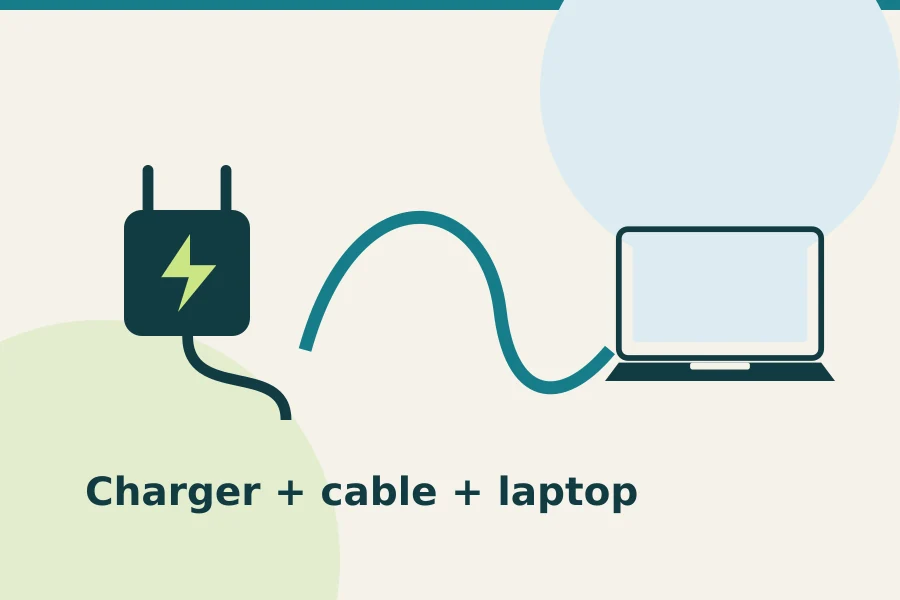
The wattage printed on an adapter is only one part of the connection. Check the laptop’s requirements, the charger’s supported output, and the cable between them.
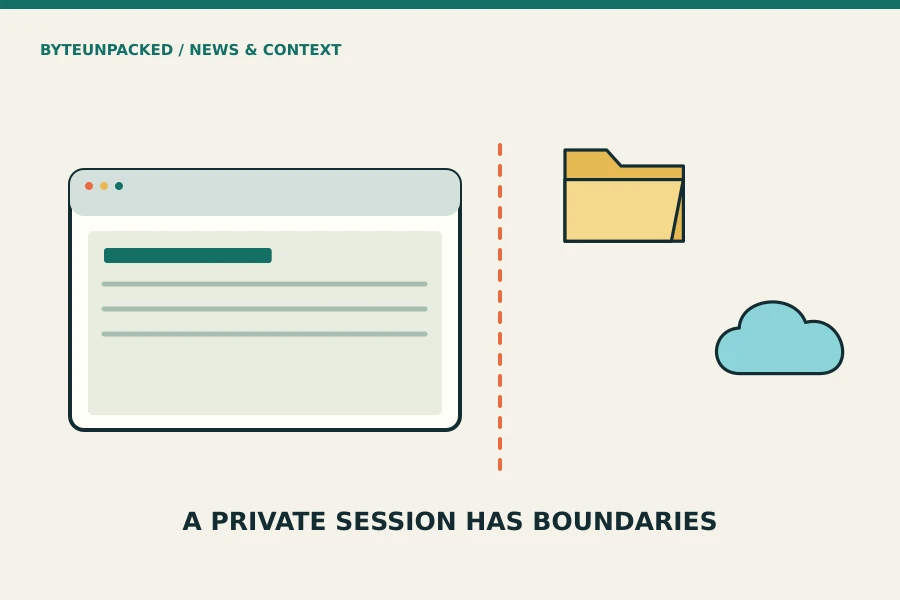
An Incognito or Private window changes what the browser keeps after a session. Downloads, account activity, and network visibility need separate attention.
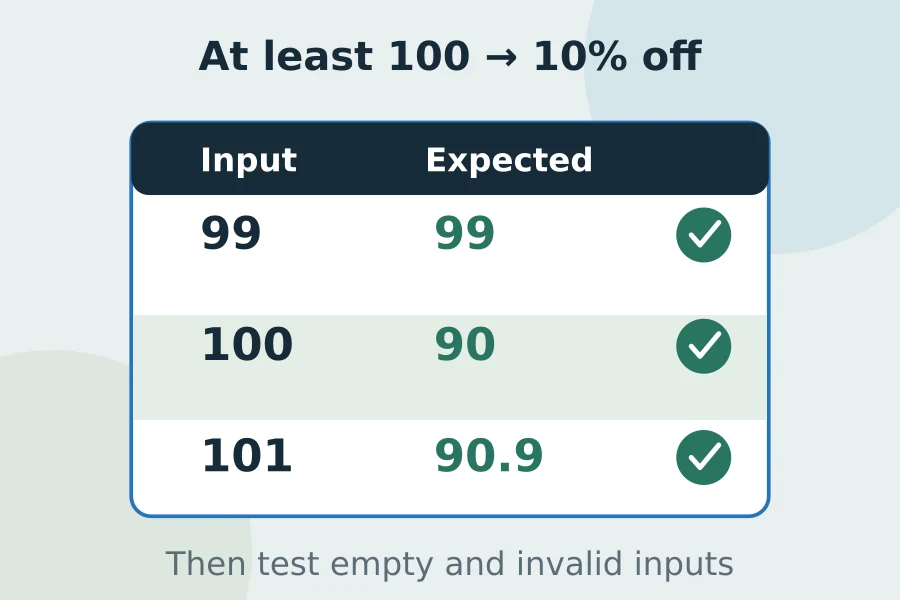
A formula can calculate successfully and still apply the wrong rule. Build a small test sheet with answers you already know before filling a column.
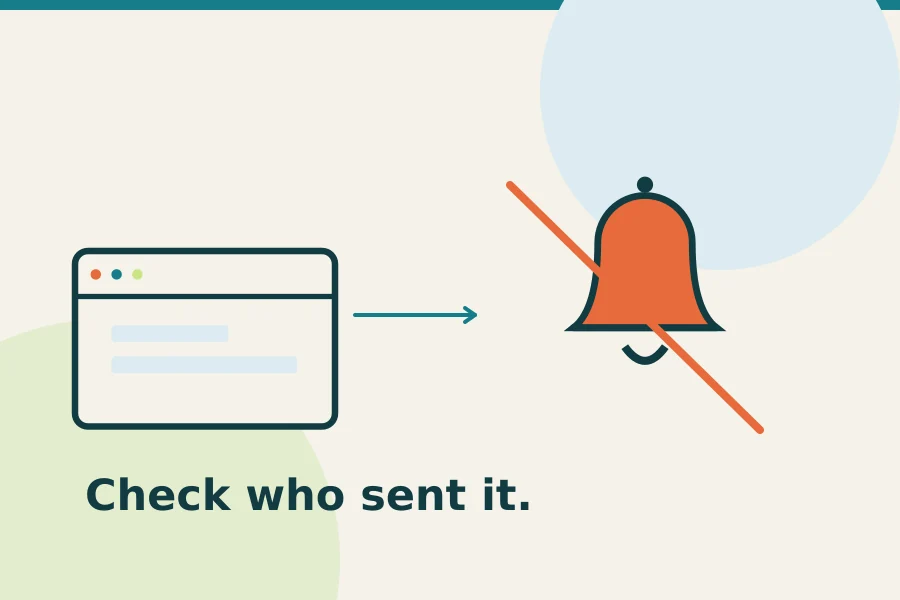
An alarming desktop message may come from a website you once allowed. Identify the sender, revoke its notification permission, and separate nuisance alerts from other problems.
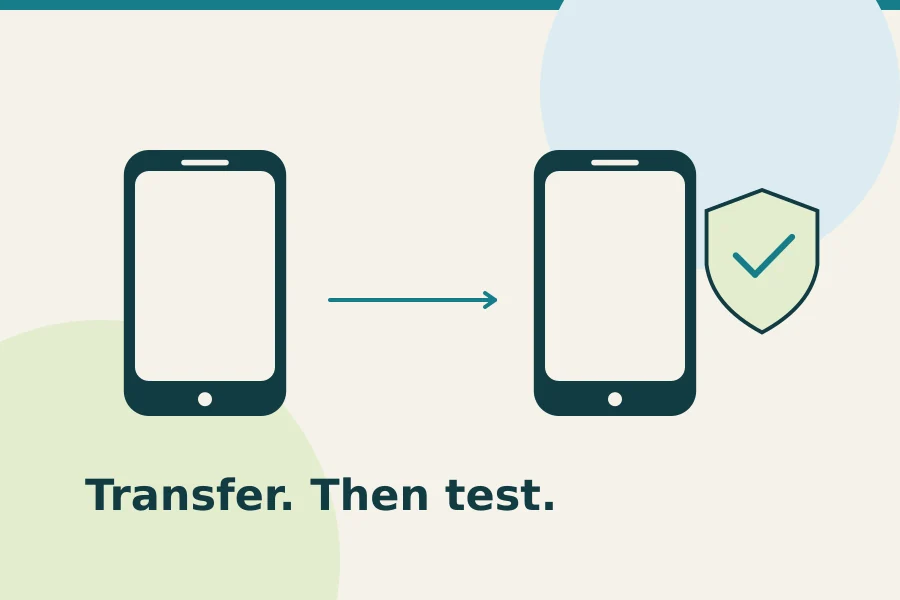
An account name appearing in a restored app does not always mean verification works. Transfer the codes, complete any re-registration, and test before retiring the old phone.
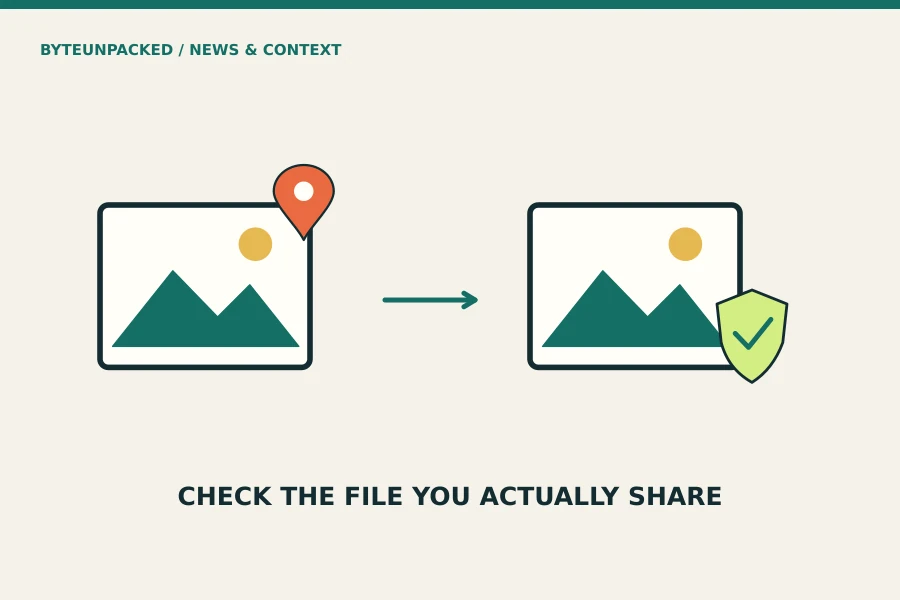
Removing a map pin in one app is only part of the check. Review the sharing options, inspect the exported file, and look for visible clues in the image itself.
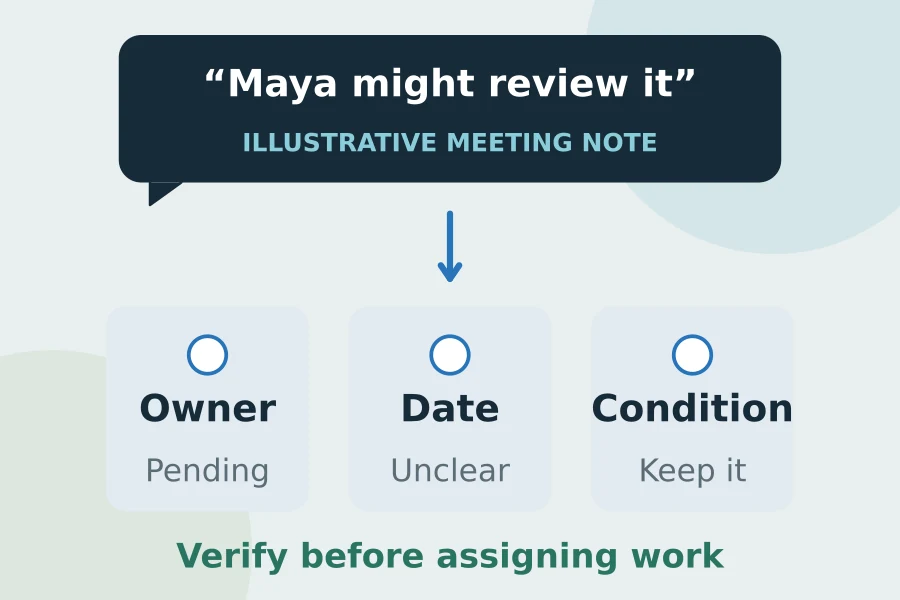
A tidy summary can turn a suggestion into a commitment. Check the few details that determine what people will do next before sharing the notes.
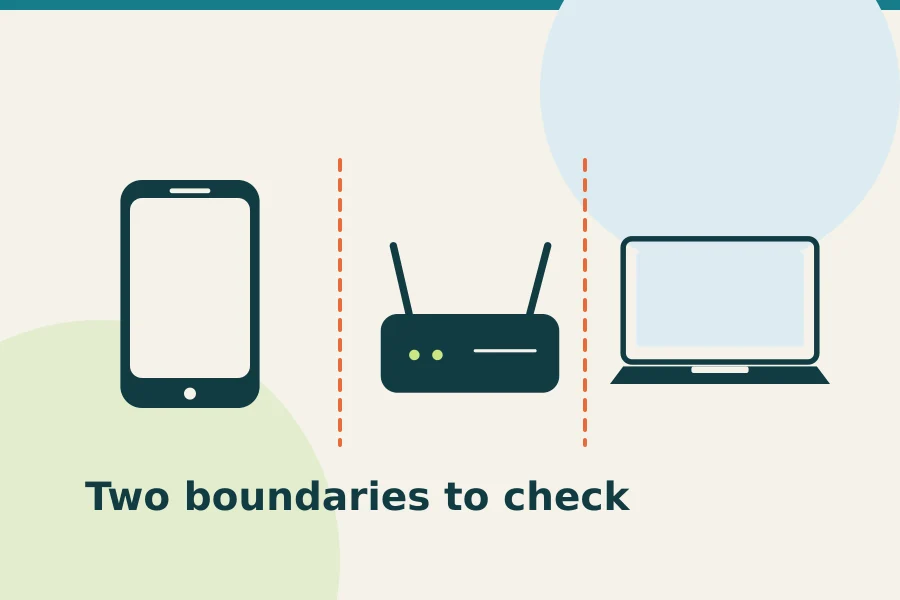
A second network name is only the beginning. Check access to your main devices, communication between guests, and exceptions for printers or streaming equipment.
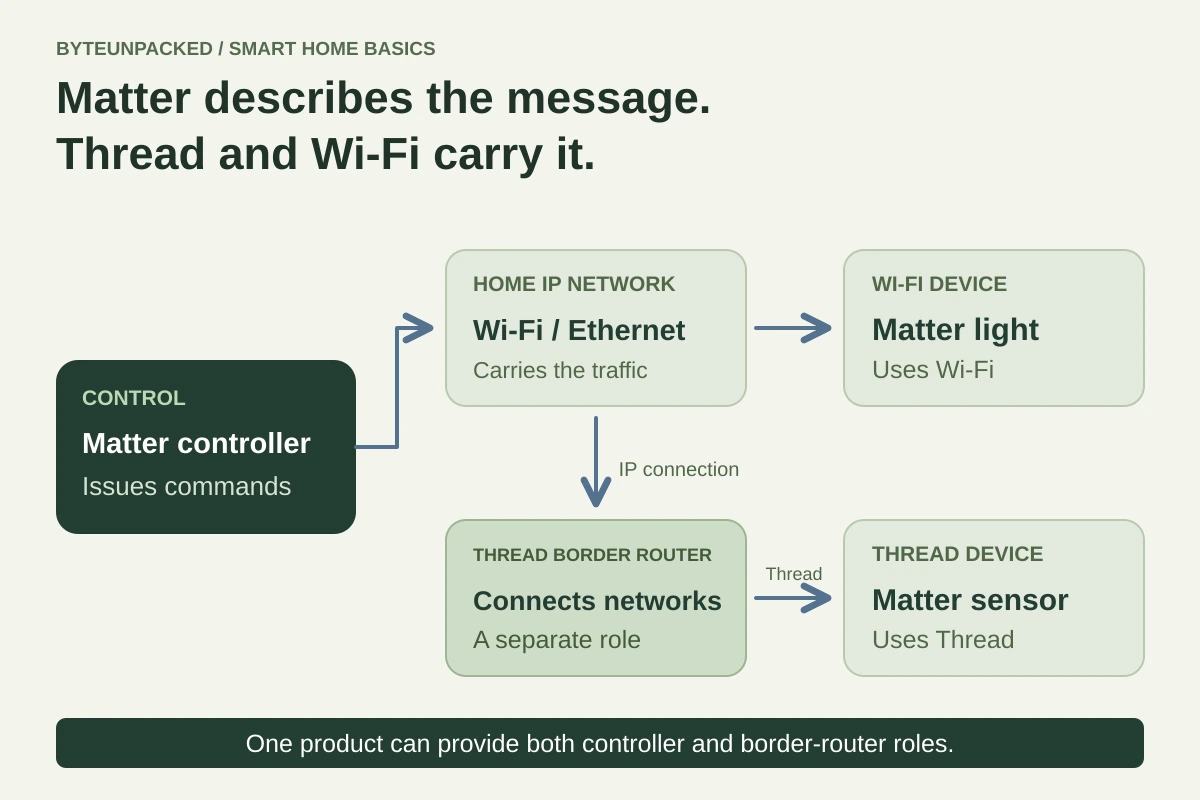
A Matter controller and a Thread border router solve different problems. Map those roles to the exact devices you own before adding another hub.
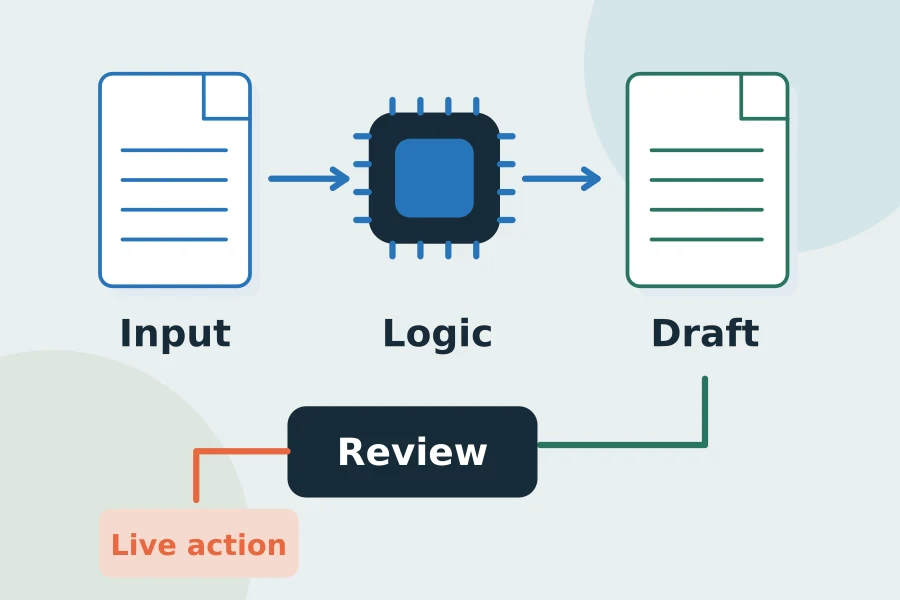
A successful test should reveal what the workflow would change, how it handles uncertainty, and what happens when the same item arrives twice.
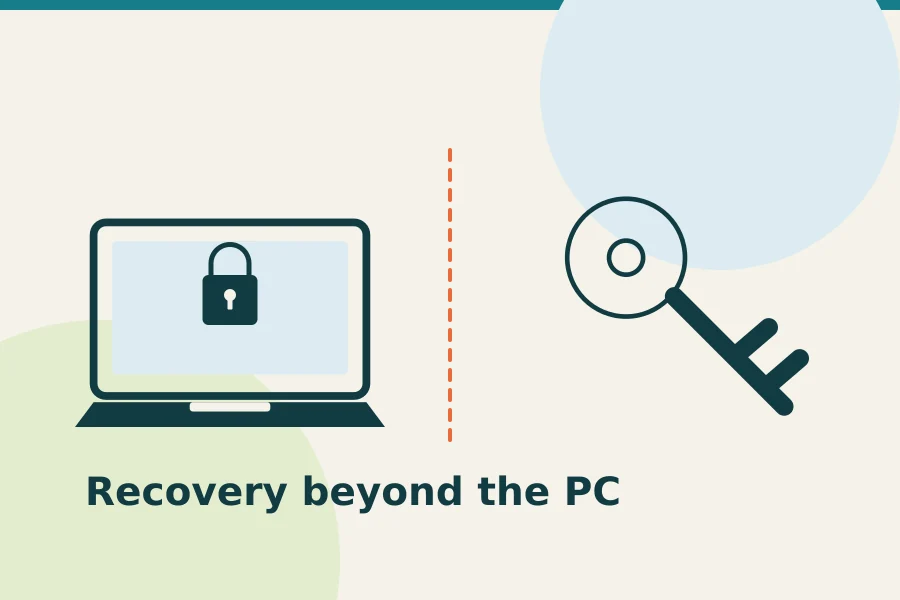
A Windows sign-in PIN is not a BitLocker recovery key. Locate the right key, check that you can reach it from another device, and keep it separate from the computer.
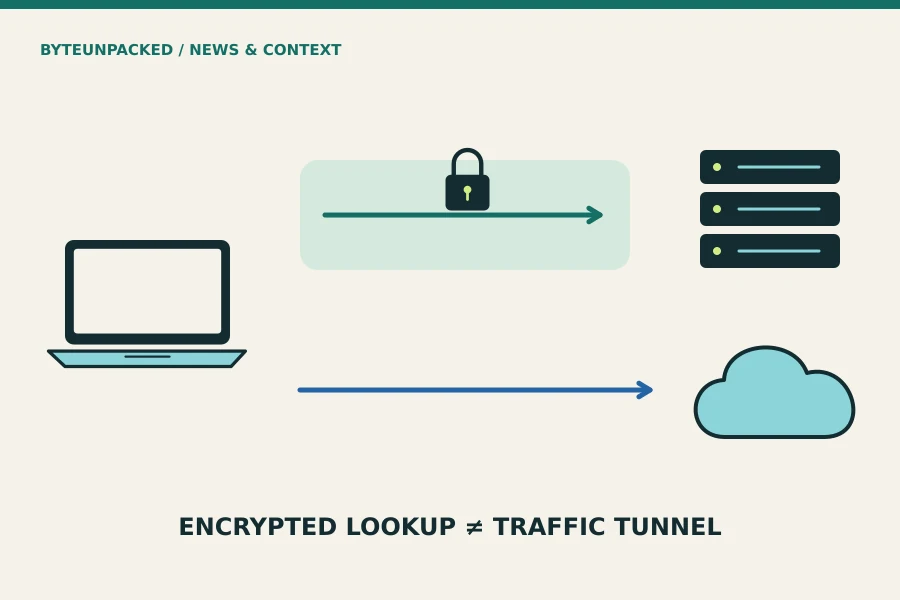
DNS over HTTPS protects a lookup on its way to a resolver. Its scope is narrower than a VPN, and the active setting matters more than the switch you remember enabling.
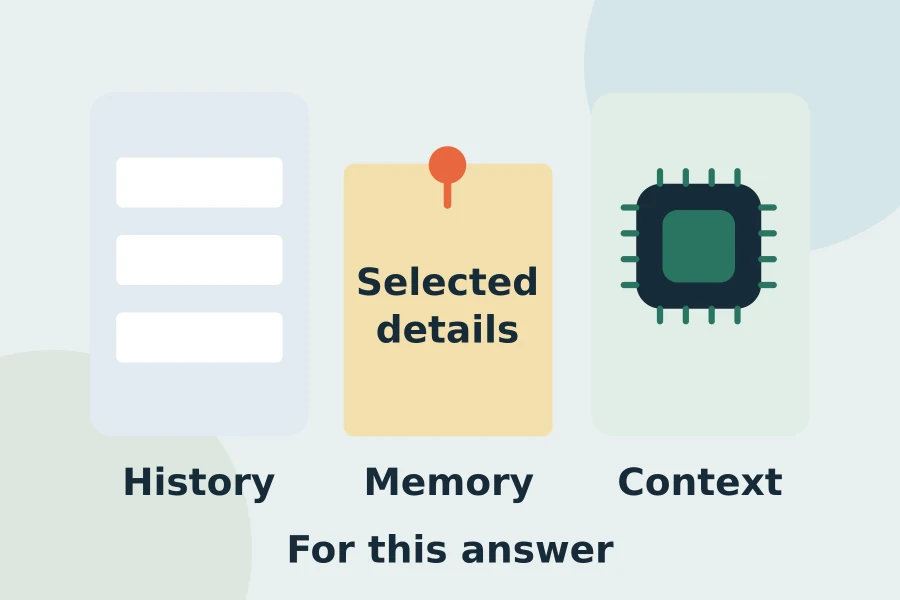
A saved conversation, a remembered preference, and the information available for an answer are different things. Knowing which one you need makes follow-up work easier.
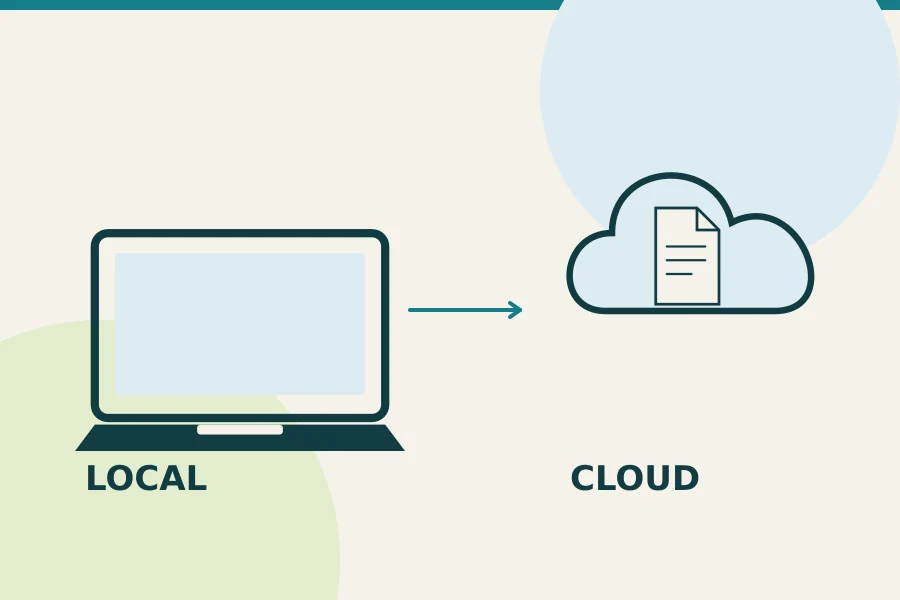
Making a file online-only and deleting it are different actions. Check where your files live, then remove local downloads without removing the cloud originals.
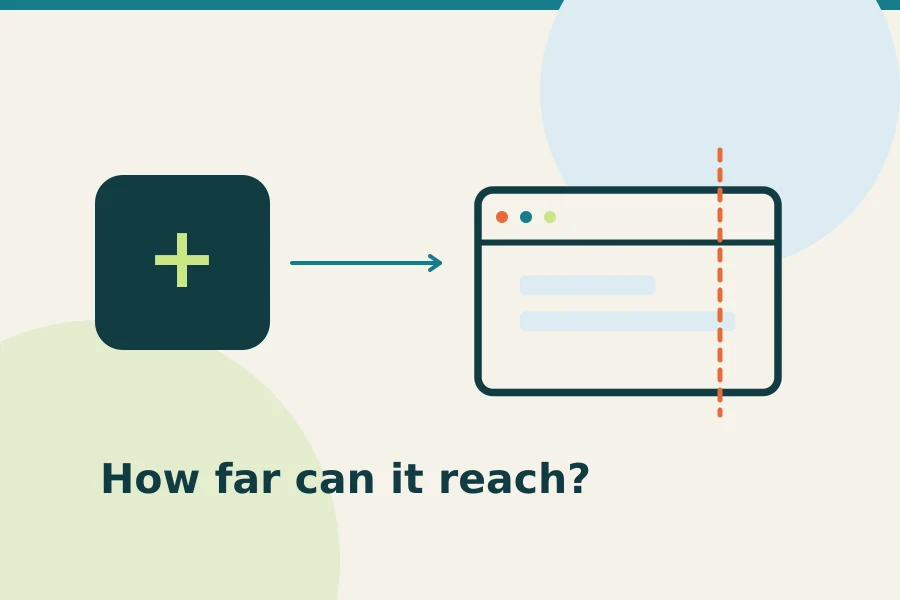
An extension's permissions describe what it can reach. Review whether that access still fits the job, narrow it where supported, and remove tools you no longer use.
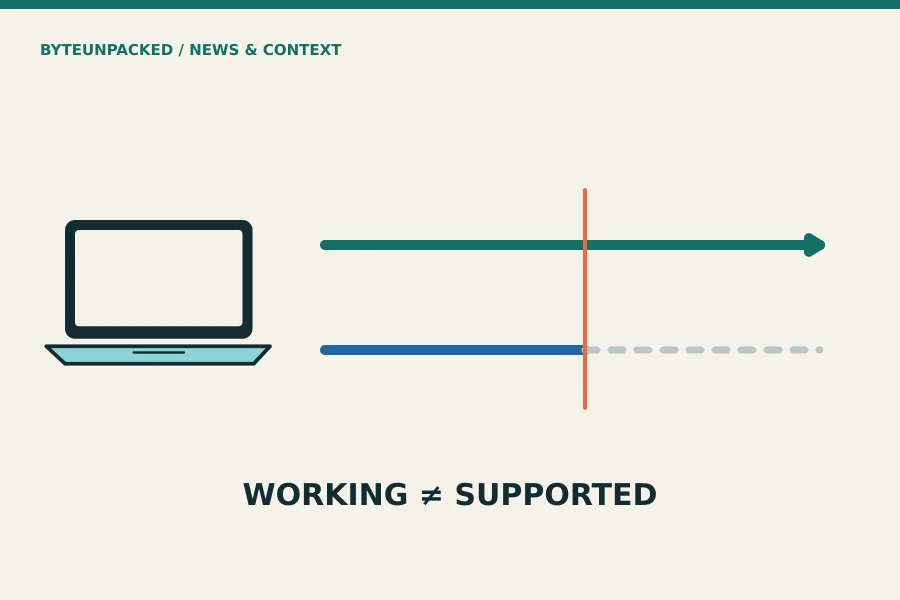
A device can keep working after its update coverage ends. Check the exact product, the updates it still receives, and the conditions of any extension before deciding what to do next.
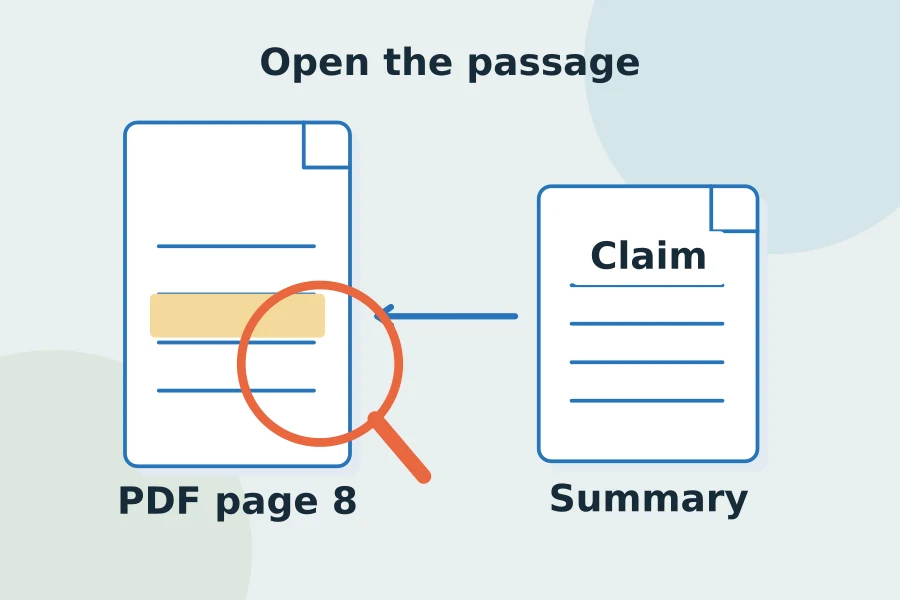
Ask for a summary you can trace back to the document. Page references, separate inferences, and a few targeted checks make the result more useful.
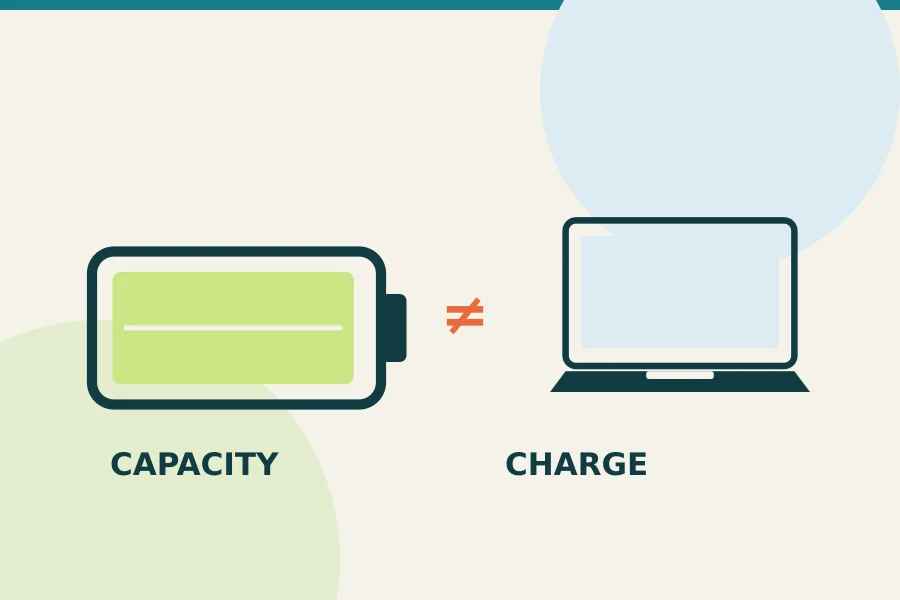
Windows can show battery capacity and usage history. Use the report to separate declining capacity from a demanding workload, then decide what deserves attention.
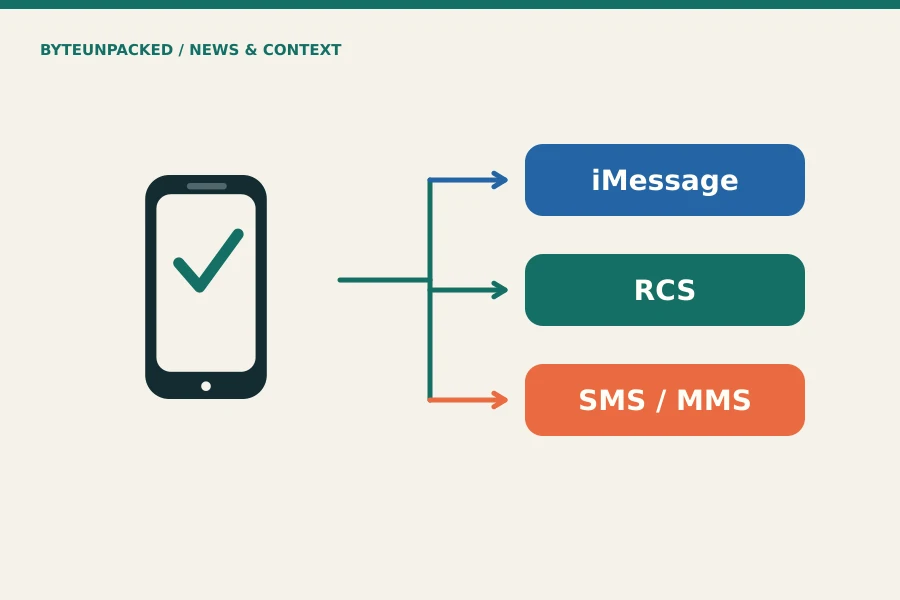
The app can stay the same while the delivery method changes. Check the message type and the conversation's encryption indicator before sending something sensitive.
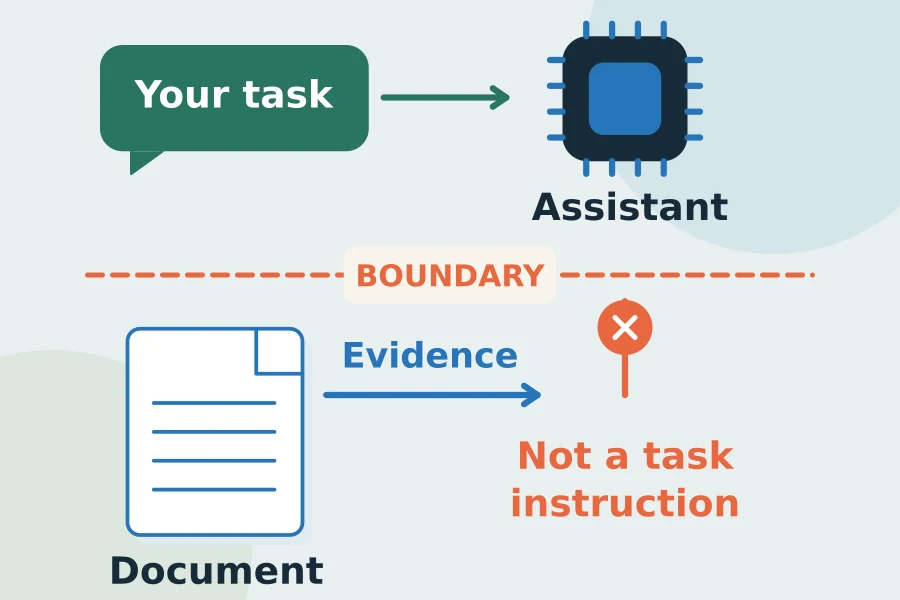
A page or attachment can contain instructions aimed at the assistant reading it. Keep the source material separate from the authority to act.
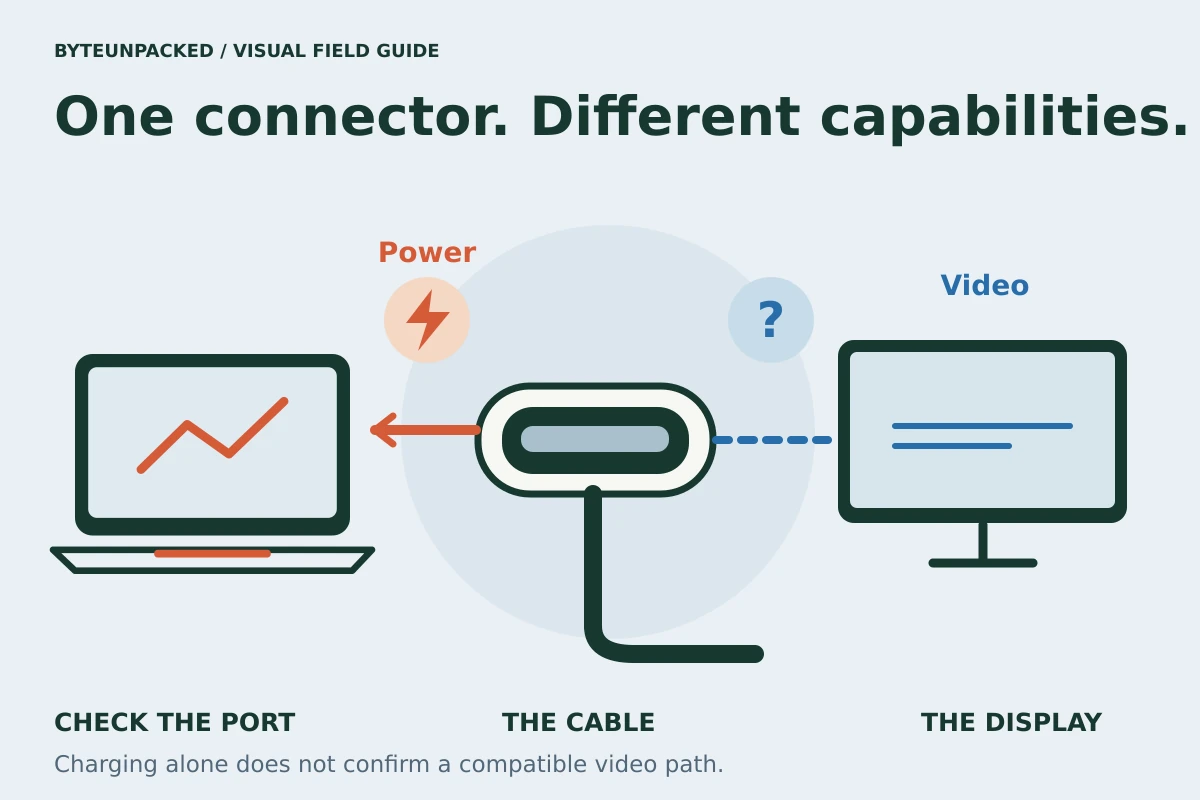
A charging icon proves that power is getting through. A working display also needs compatible ports, a suitable cable, and the right connection path.
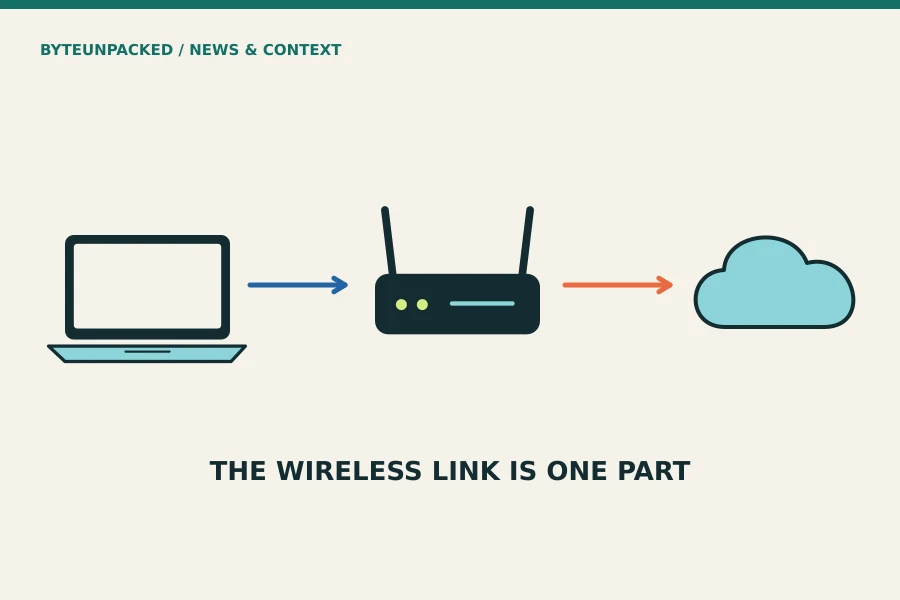
A Wi-Fi 7 label describes one part of a connection. Check the client, software, available bands, and internet path before expecting a faster download.
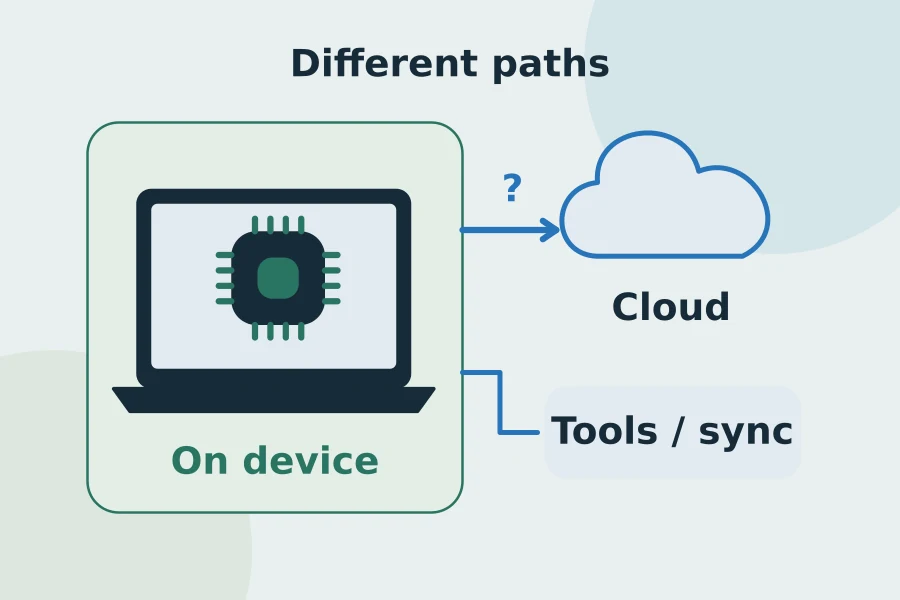
An on-device model tells you where one part of the work happens. Follow the whole request to understand what leaves your phone or computer.
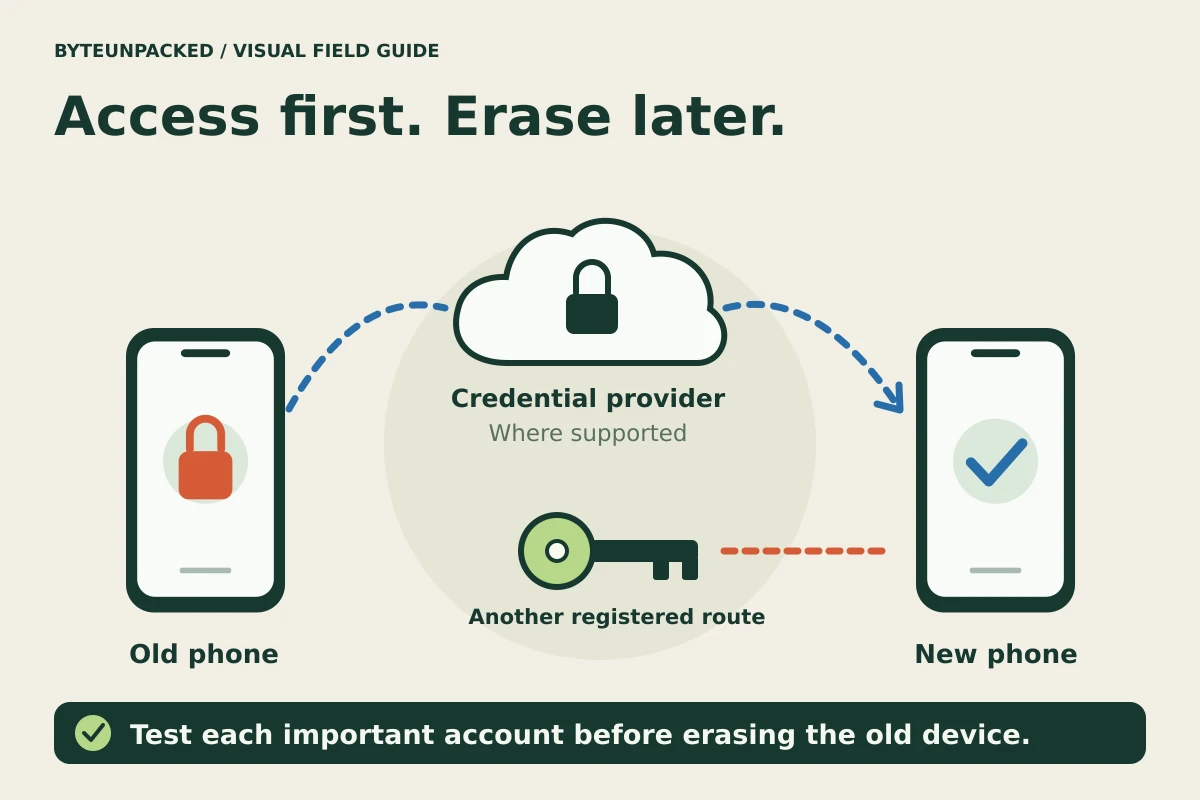
Check whether your passkeys sync to a new iPhone or Android phone, confirm recovery access, and test sign-in before erasing your old device.
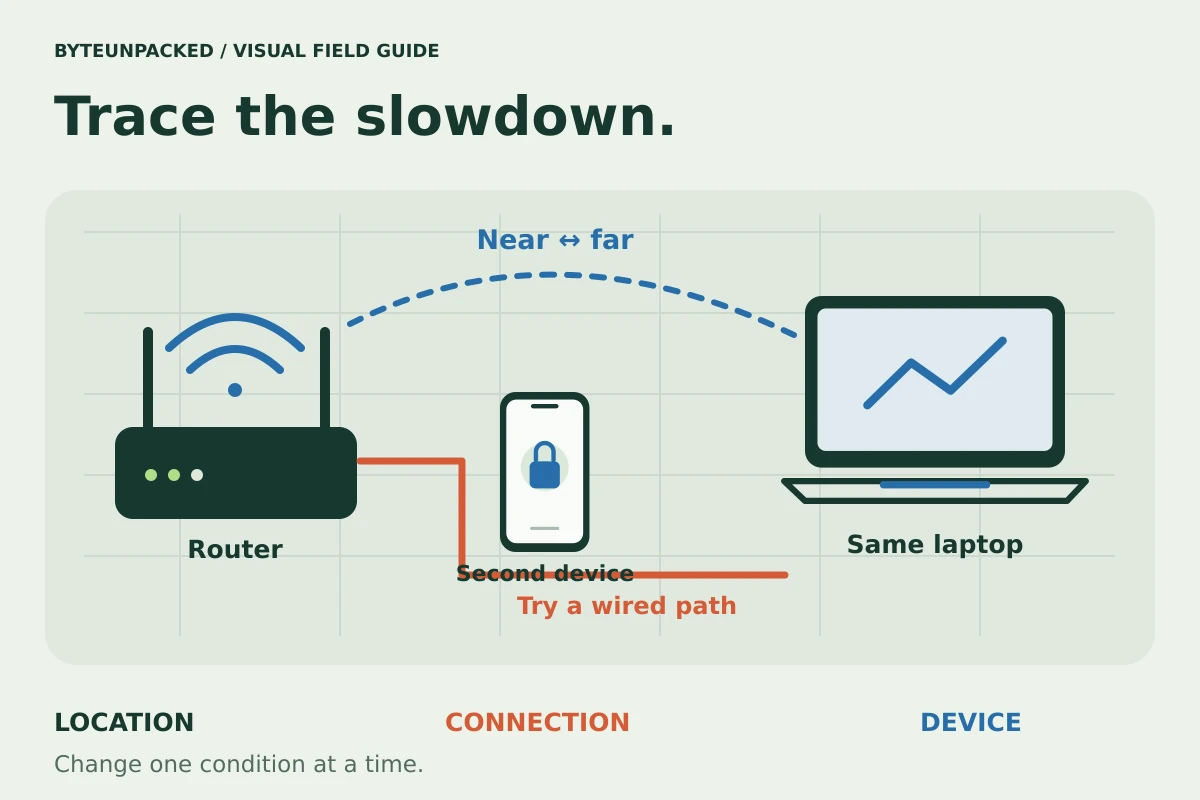
A few controlled comparisons can tell you whether to investigate coverage, a device, or the internet connection itself.
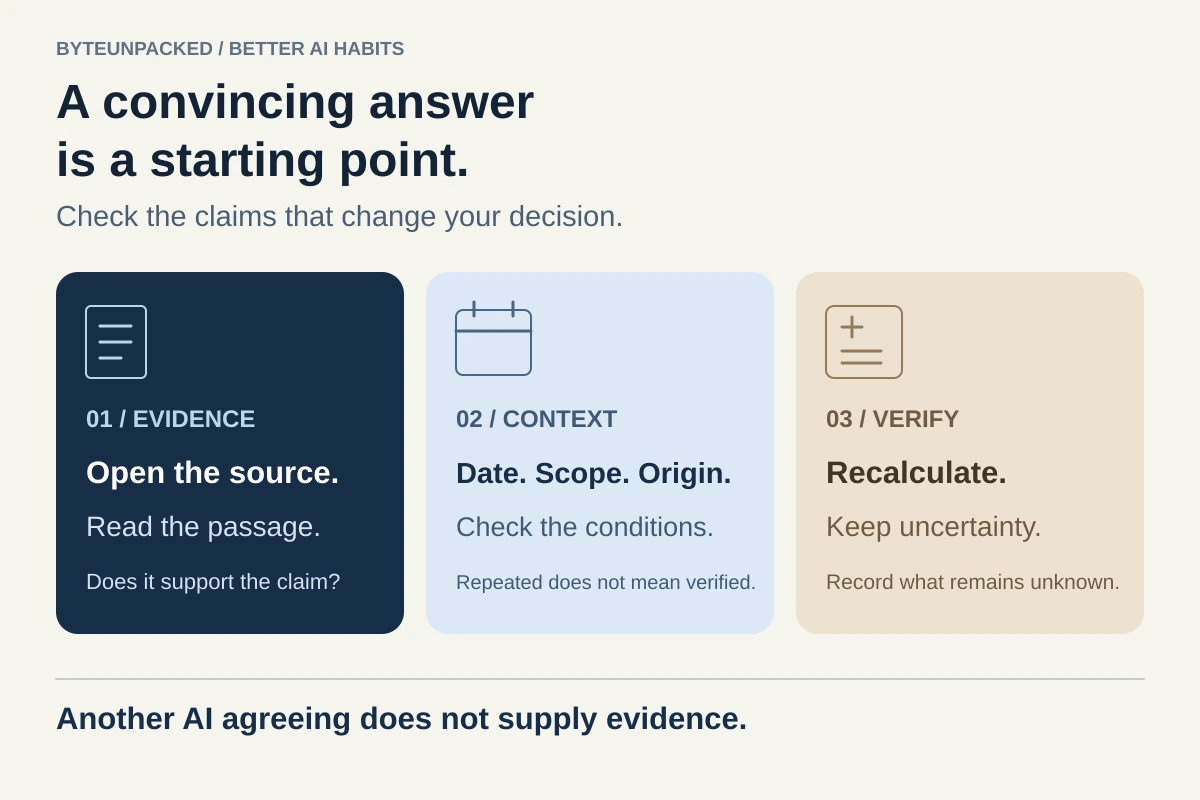
A convincing answer is a starting point. A few focused checks can turn it into something you can confidently use.
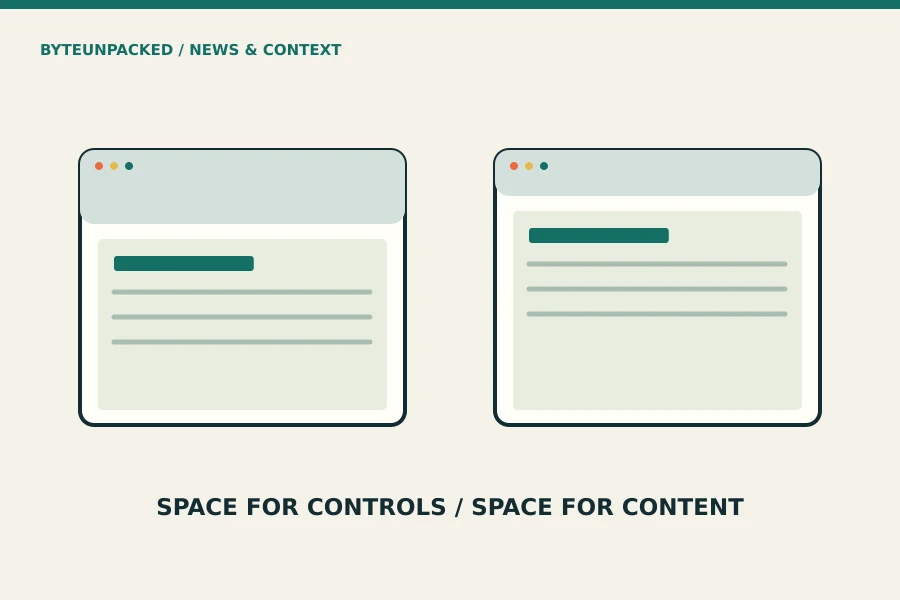
Firefox's 2026 redesign: turn on Compact mode, change themes and organize tabs with practical desktop steps.
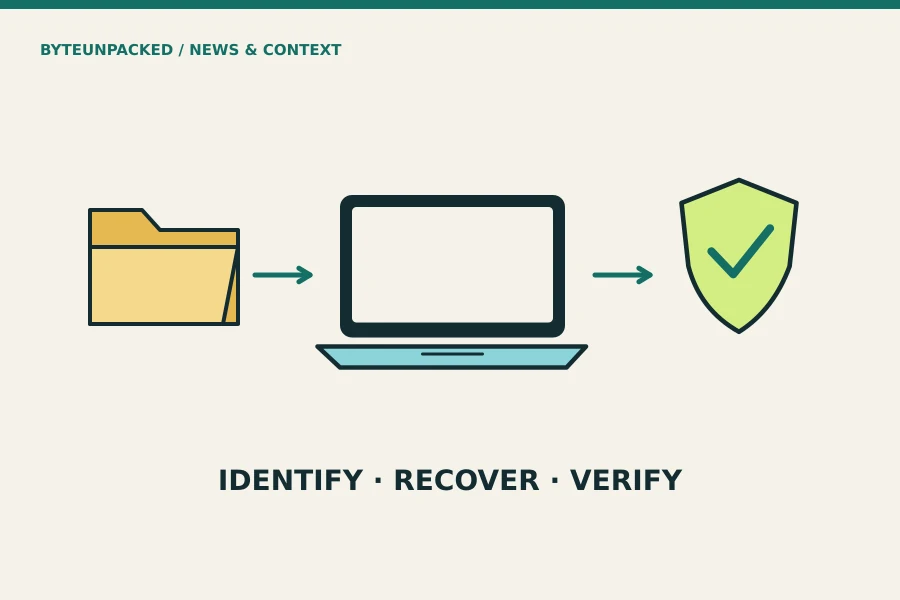
Version 26H2 has begun rolling out. Check your current version, your files and your essential apps before choosing an update window.