In this article5 sections
Separate the app, the account, and the payment
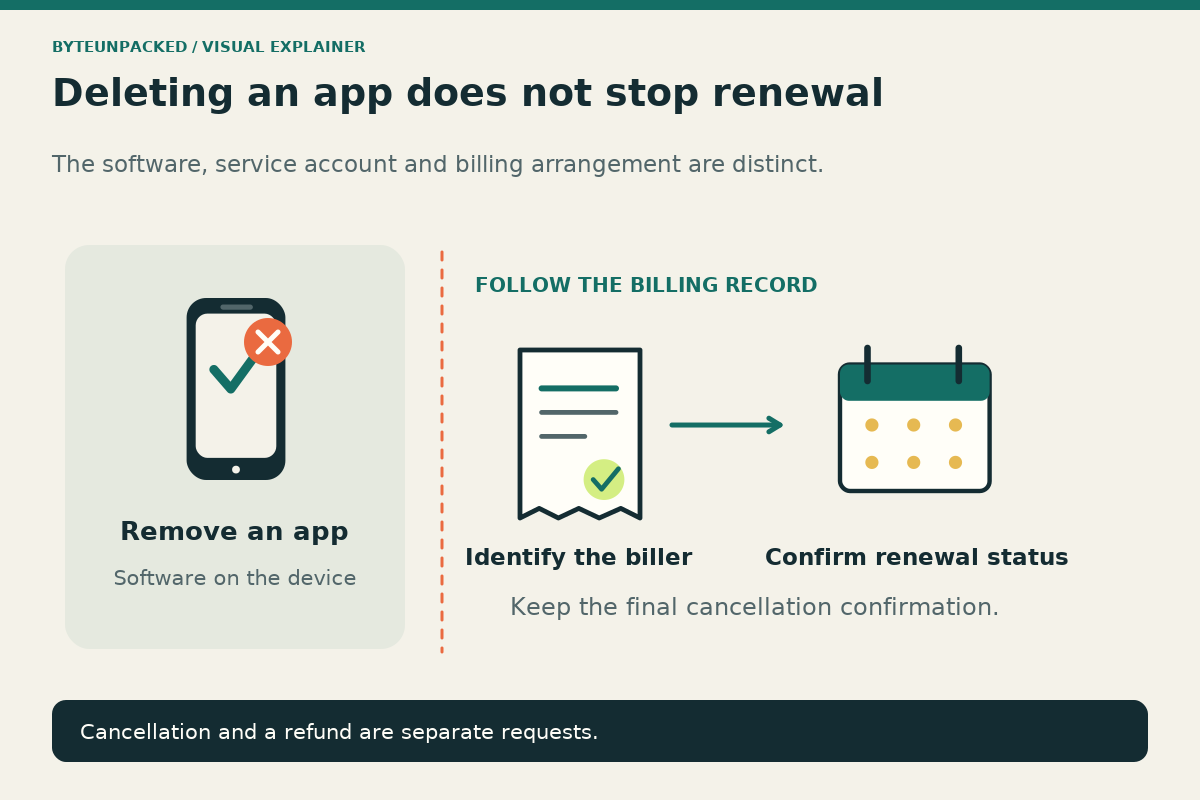
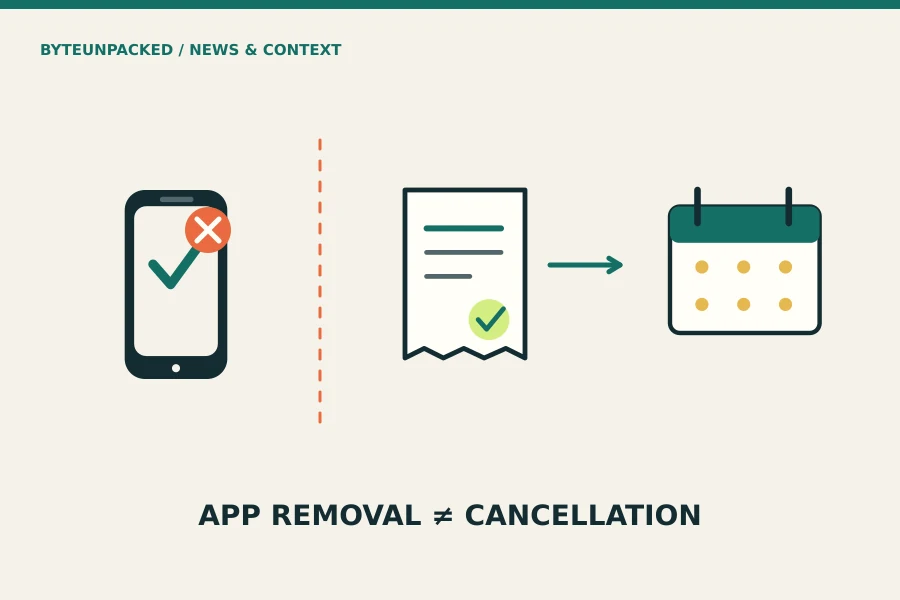
An app is installed software. An account is your relationship with a service. A subscription is a billing arrangement that may be managed by an app store, the service itself, or another provider. These can be connected without sharing the same cancellation button. Removing an icon from your phone is not reliable evidence that the next subscription charge has been stopped.
Apple explicitly says deleting an iPhone or iPad app does not automatically cancel its in-app subscriptions. Google Play gives the same warning about uninstalling an Android app. Before cleaning up unused apps, make a short list of the ones you pay for and check their billing status. That makes the task a review of actual subscriptions instead of a guess based on which apps remain visible.

Find the company and account that took the payment
Start with a receipt and the subscription's billing screen. Apple recommends checking its receipts for the Apple Account used to purchase a missing subscription. If no Apple receipt exists, the charge may belong to another company; Apple directs people to identify that company from their bank or card statement. The device you use to watch, read, or work is not necessarily the place where you originally subscribed.
Match the service, account, plan, and renewal date before changing anything. If you have multiple store accounts, an empty subscription list under one account does not establish that no subscription exists. Use the account named on the receipt. Open the provider's official app or website directly when checking billing; a message claiming a renewal is due is not, on its own, a reason to enter payment details through its link.
Finish the cancellation in the billing system
For an Apple-billed subscription on iPhone, Apple's documented route is Settings, your name, then Subscriptions. Select the plan and use Cancel Subscription. Apple says that if there is no cancellation button or an expiration message appears, the subscription is already canceled. Read the status shown for that particular plan rather than expecting the app itself to disappear or immediately stop working.
For Google Play billing, open the subscription list in Play under the account that purchased it, select the plan, and complete the cancellation instructions. Google says a normally canceled subscription remains usable for the period already paid. Its payment-plan rules are different: stopping renewal does not remove remaining payments already committed under the current plan. Check the terms and the displayed outcome instead of assuming every cancellation has the same effect.
Account deletion needs a separate decision
Deleting your service account may remove access to saved material and account records, so decide what you want to keep first. Export anything you need using the service's supported controls and keep the billing confirmation somewhere outside that account. This is especially useful when the same login contains both your work and the subscription settings you may need to revisit.
Apple's developer guidance makes the distinction explicit for auto-renewable subscriptions: billing can continue through Apple after the app's account is deleted, so developers should ask people to cancel the subscription before continuing. That is a documented example, not a claim that every service handles deletion identically. Read your service's deletion explanation and verify renewal independently. Requesting deletion, receiving confirmation that deletion finished, and stopping billing can each be separate events.
Keep evidence of the result you wanted
After completing the flow, revisit the subscription screen and record the service, plan, account, effective end date, and status. Save the confirmation email or a screenshot without sharing payment information publicly. If the page still says it will renew, resolve that discrepancy with the billing provider before treating the task as finished. A tapped button is less useful than the final state shown afterward.
Cancellation and a refund are also different requests. Google documents refund eligibility separately, and Apple's support pages provide a separate refund process. Do not assume stopping renewal returns a previous payment. For an unfamiliar charge, use the billing provider's official support route and the receipt details you collected. You can then remove the app when ready, with a clear record of what happened to the subscription.
- Find the receipt and identify the billing provider and account.
- Complete cancellation in that provider's subscription controls.
- Check the end date, renewal status, and any remaining plan commitments.
- Save confirmation before deleting the app or service account.
Sources & further reading
This is a source-based explainer, prepared with AI assistance and checked against the references above. It is not a hands-on product test. Read our editorial approach.