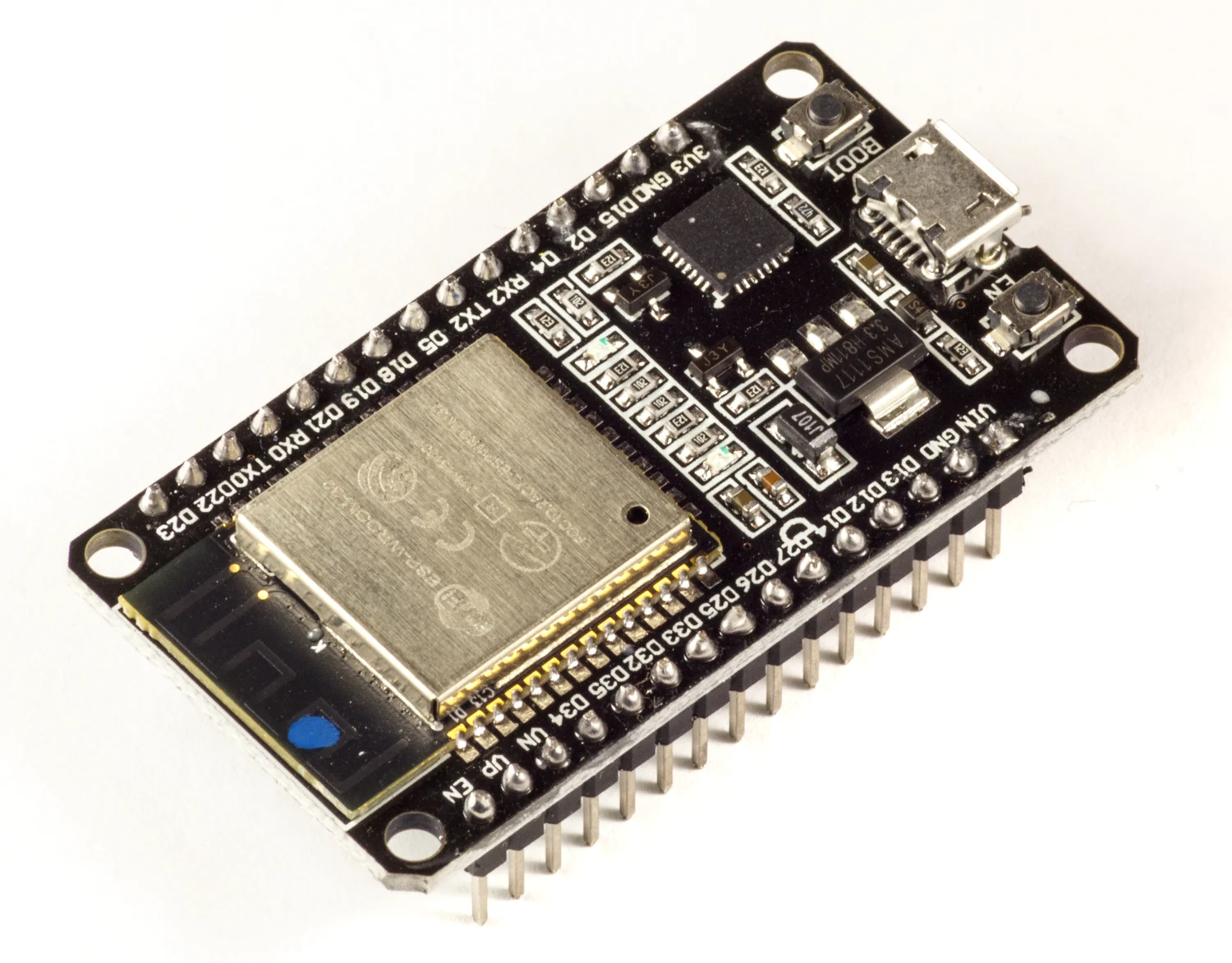
An ESP32 development board. The exact layout varies by model.Photo: Ubahnverleih · CC0 1.0. Resized; converted to WebP.
01 COMPUTE02 CONNECT03 BEHAVE
Start with a simple model. Open a role below.
What changed. Why it matters.
Hardware, moving forward.
Read the change in plain language. Open the evidence when you want the detail.
Development tools01
Maintenance onlySource-based
The editor changes. Your project continues.
Espressif-IDE 4.5.0 is the last feature release of the Eclipse-based editor. Maintenance covers high-severity bugs and security fixes until 14 October 2027.
Feature release14 Oct 2026
4.5.xMaintenance
Support ends14 Oct 2027
IDE lifecycle · separate from ESP-IDF framework support
Why it mattersNew projects are directed to the ESP-IDF extension for VS Code. ESP-IDF itself is a separate framework.
Vendor explanation
Evidence checked
Open evidence & limits+
Exact hardware / scope
Espressif-IDE and ESP-IDF Eclipse Plugin v4.5.0; release commit short SHA af6da1f.
Software version
Not firmware; IDE v4.5.0, subsequent maintenance releases 4.5.x.
Evidence
Manufacturer or project documentation. No hands-on test.
Still to establish
A migration still needs project-specific checks. We have not moved or tested a project. Version 4.5.0 was released on 14 October 2026; the explanatory post is dated 12 November.
Espressif’s new guide connects an IEEE 802.15.4 receiver to Wireshark. It shows how Thread and Zigbee traffic can be studied in an authorized lab.
Over the air802.15.4
Chip receive pathFrame filter
On the computerPacket list
Conceptual receive path · corrupt frames do not reach the list
Why it mattersThe capture path omits corrupt frames. Packet inspection and radio waveform analysis answer different questions.
Tutorial published
Evidence checked
Open evidence & limits+
Exact hardware / scope
Vendor reports builds/runs on ESP32-C5-DevKitC, ESP32-C6-DevKitC and ESP32-H2-DevKitM; physical board revisions not given.
Software version
Zephyr sample on moving main branch; no pinned firmware release established. Article calls for Wireshark4+ and Python3.10+.
Evidence
Manufacturer or project documentation. No hands-on test.
Still to establish
The author reports C5, C6 and H2 devkit tests. We have not reproduced them. Pin the Zephyr revision and resolve the guide’s differing plugin paths before following build instructions.
Arduino-ESP32 4.0.0-RC1 introduces a shared BLE API for NimBLE and Bluedroid. Existing sketches need changes; the tag is still marked pre-release.
Application interfaceShared BLE API
Backend optionNimBLE
Backend optionBluedroid
Conceptual architecture · the target selects a backend, not both at once
Why it mattersA common programming interface does not add missing chip capabilities. Operations and access permissions are separate choices.
Technical explanation
Evidence checked
Open evidence & limits+
Exact hardware / scope
Arduino core for ESP32, tag4.0.0-RC1, short commit76f683d; supported capabilities depend on chip and backend.
Software version
4.0.0-RC1 based on ESP-IDF6.1. Official3.3.12 tag based on ESP-IDF5.5.5 is labelled Latest at check.
Evidence
Manufacturer or project documentation. No hands-on test.
Still to establish
No compilation or device test performed. Recheck for a final 4.0 release before migrating. At this check, 3.3.12 is labelled Latest; LE Audio remains work in progress in the explanation.
These are conceptual roles, not a pinout or an electrical wiring guide.
01 / Processor — coordinate the work+
The processor runs instructions and coordinates the peripherals. A chip family name is the beginning of the description, not the full device specification.
02 / Connection — move information+
Communication depends on the particular radio, interfaces and software. One ESP32-family chip can support capabilities that another does not.
03 / Firmware — define the behavior+
Firmware connects the hardware capabilities into an application. It can change what a device does, but cannot create a missing physical component.
Beyond the development board
Different instruments. Different questions.
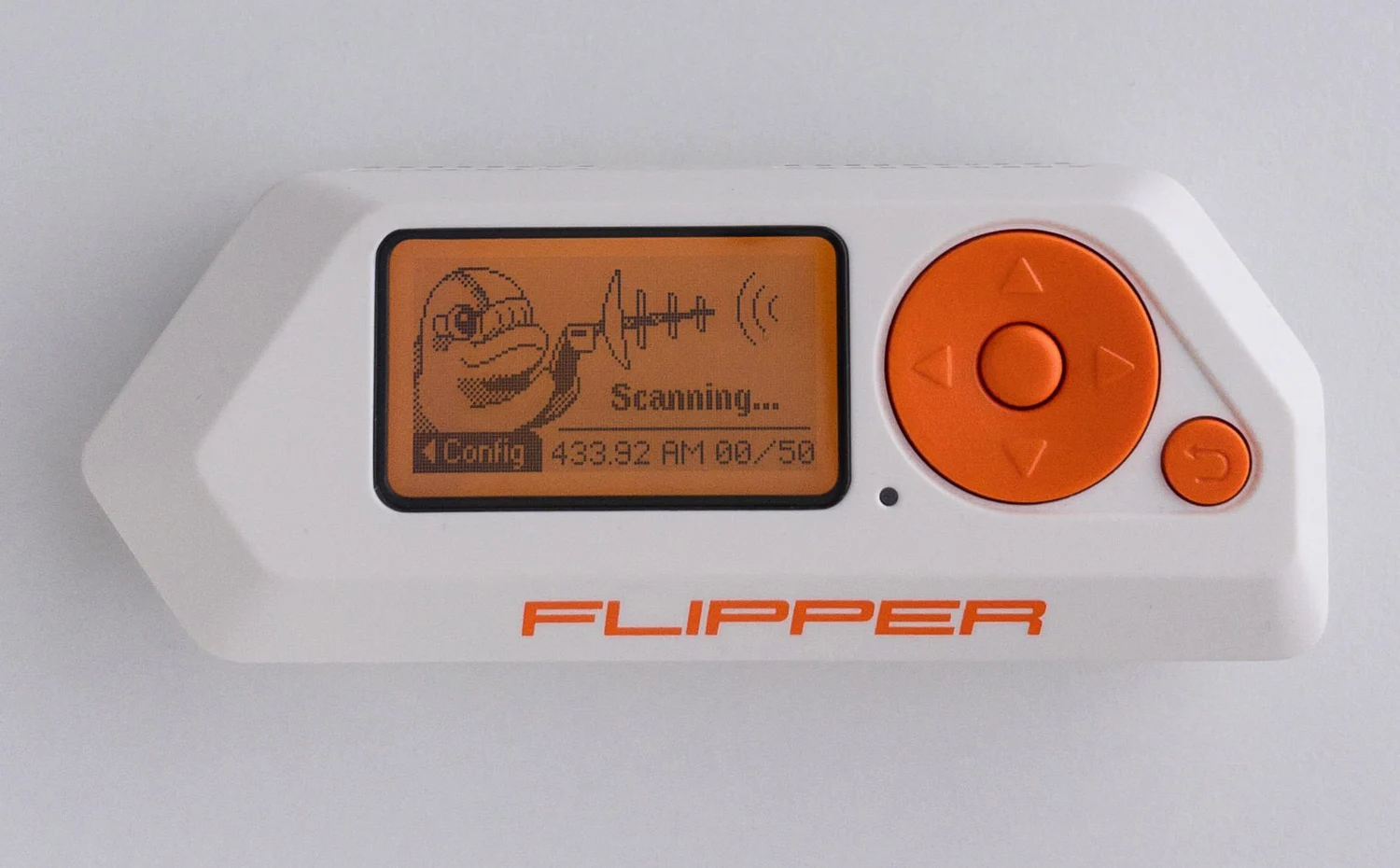
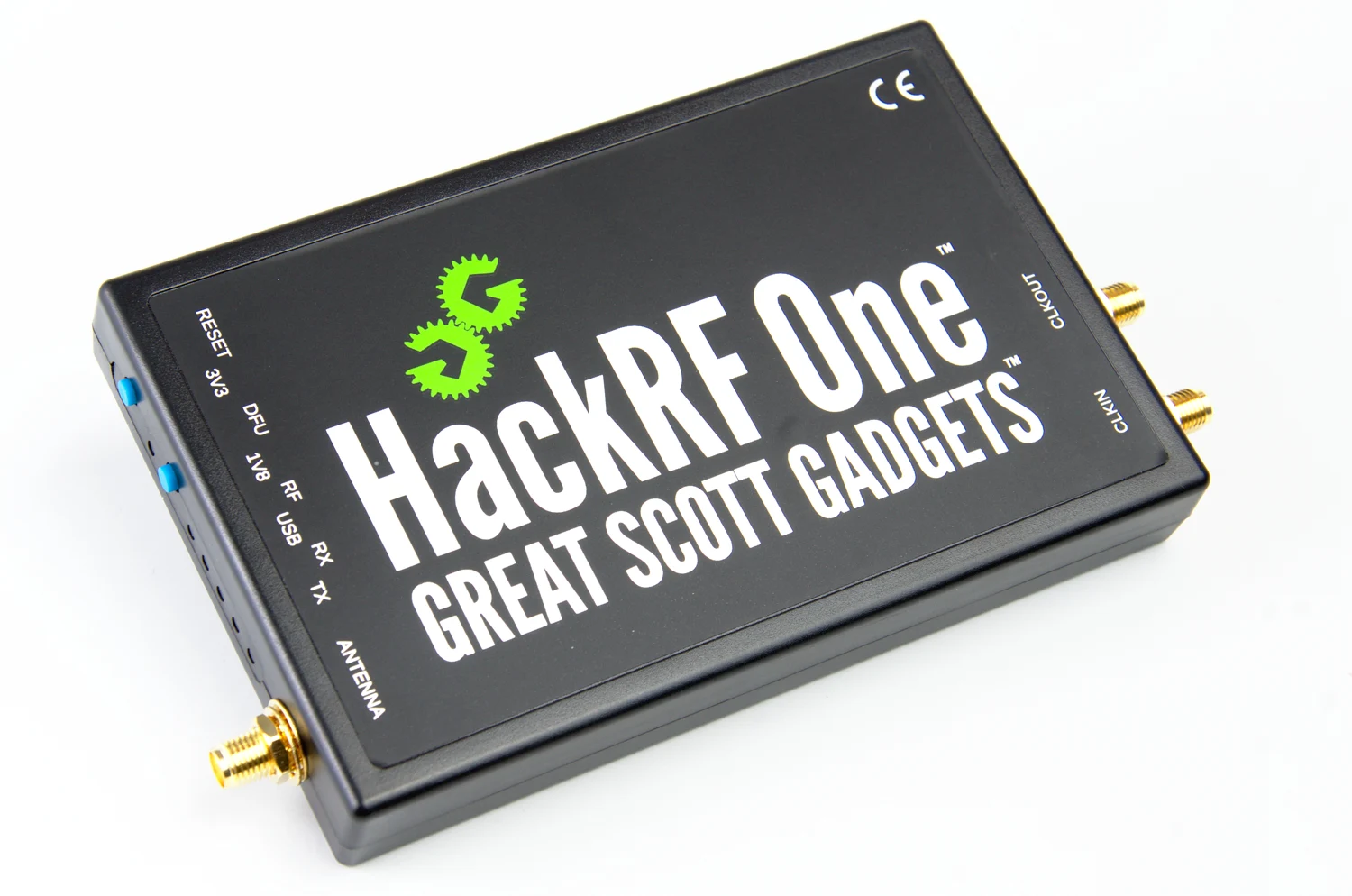
A handheld interface, a radio platform, a programmable board. Understand the role before comparing the features.