In this article4 sections
- 01 / INPUTImage shape and preparation
- 02 / MODELCompiled for the target chip
- 03 / RUNTIMECompatible software versions
- 04 / OUTPUTResults interpreted correctly
Documented compatibility relationships; no inference or accuracy test was performed.
A model is part of a pipeline
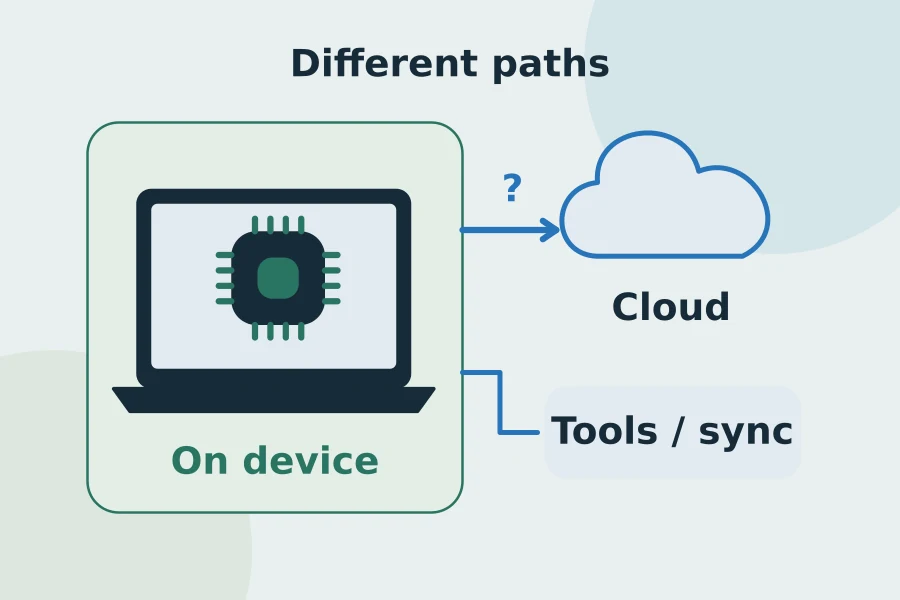
An AI camera does more than open a model file. A frame from the camera is prepared in the format the model expects. A runtime executes the model on the supported hardware, and the application interprets the output. A mistake at any one of those stages can change the result even when the file appears to load.
Seeed's reCamera Pro documentation identifies the Rockchip RV1126B as its target platform and describes RKNN models compiled for that target. A model built for another member of the Rockchip family is not automatically compatible merely because its filename also ends in .rknn. Treat the precise device and compilation target as part of the model's identity.
This is a source-based explanation of the vendor's documented workflow. We have not converted a model, run inference, measured accuracy or inspected a particular camera. It is not a claim that local processing automatically makes every connected camera private or secure.
Match the conversion target and runtime
A conversion toolkit prepares a model for a particular execution environment. The device runtime is the software that loads and runs that prepared model. Seeed says these versions should align with the runtime supplied in the reCamera Pro firmware and documents RKNN-Toolkit2 version 2.3.2 as its stated baseline.
Record the source model, conversion toolkit, selected target, generated file and firmware/runtime version together. A version number in a web guide describes the guide's context; check the firmware actually installed on your device and the current documentation before assuming it matches.
The vendor also lists a separate experimental Debian image. An experimental operating-system image and a documented model-conversion path answer different questions. Do not silently treat the image's version as the runtime version on every camera, or describe an experimental option as the device's default stable software.
The model expects a particular kind of picture
Even a compatible model can produce unhelpful output if it receives input in the wrong form. A model may expect a certain image size, channel order, layout and normalization. Those are its input contract: the conditions under which the model was prepared to interpret the data.
For example, applying an image adjustment in two different stages can change the numbers the model sees. Seeed's compatibility guide specifically cautions developers to account for normalization that may already be inside a model. The correct values depend on the exact model and pipeline; there is no universal setting to paste into every project.
Output also needs interpretation. An application must understand the format, labels and coordinates the model returns. A bounding box that appears in the wrong place could reflect a mismatch in preparation or interpretation; it does not by itself prove the camera sensor or accelerator is defective.
Make a small record before changing everything
Start with a model and example that the vendor documents for your exact device, then compare its requirements with the new model. Keep notes on the board, firmware, runtime, model target and input/output expectations. Change one part at a time, preserving the original files so you can return to a known baseline.
A specification such as an accelerator's theoretical operations per second is not a measured frame rate for your model. Likewise, loading a file is not evidence of accuracy. A meaningful future evaluation would identify a test set, record conditions and compare observed results; none was performed for this article. For a useful record, keep the model's expected input dimensions and channel order next to the exact output labels. That makes a later comparison more informative than changing an undocumented setting and judging only whether a box appears on screen.
- Match the compiled model to the documented chip target.
- Check conversion-tool and device-runtime compatibility.
- Document image preparation and output interpretation.
- Measure accuracy and speed before presenting them as results.
Continue exploring the Hardware Field Lab →
Sources & further reading
Sources checked .
This is a source-based explainer, prepared with AI assistance and checked against the references above. It is not a hands-on product test. Read our editorial approach.