In this article4 sections
- 01 / CHIPA supported radio band
- 02 / BOARDA suitable antenna and design
- 03 / SOFTWAREThe right target and settings
- 04 / NETWORKA compatible access point
Capabilities are documented at chip level; performance depends on the complete setup.
One family name covers different radios
ESP32 is a family of connected microcontrollers, not one interchangeable board. Espressif describes the ESP32-C5 as supporting Wi-Fi 6 on both 2.4 GHz and 5 GHz, alongside Bluetooth Low Energy and IEEE 802.15.4. Its ESP32-S3 product page describes 2.4 GHz Wi-Fi and Bluetooth Low Energy. Those are chip-level descriptions, not a promise that every finished project exposes every feature.
The distinction matters when a project needs to join a network where 5 GHz is available or where the developer wants to evaluate both bands. It does not mean the C5 automatically provides a faster, more reliable or longer-range connection in every room. The network, antenna, application and local radio environment all affect the result.
Espressif announced C5 mass production on April 30, 2025. It is useful current hardware to understand, but that date is not a new launch announcement. This article is based on manufacturer documentation checked for this explainer; we have not measured either chip or tested a board.
Chip, module and board are not synonyms
The chip supplies a set of possible interfaces. A module packages the chip with supporting parts, and a development board adds connections, power circuitry and an antenna arrangement. A product listing may emphasize the chip name while leaving the actual module variant or antenna design less obvious.
For a dual-band project, identify the exact board and consult its documentation. Verify that its antenna and radio design are intended for the bands you want to use. Do not assume that an antenna supplied for a different board is suitable just because the connector looks familiar. A board-level design can limit an otherwise capable chip.
Also check the available flash, external working memory and peripheral connections against the application. A screen, camera, sensor and radio compete for real resources. A comparison based only on Wi-Fi bands does not answer whether a particular display or software project will fit.
The software target is part of the hardware decision
A firmware image is built for a particular target and configuration. A binary created for an ESP32-S3 should not be treated as a generic C5 image simply because both names begin with ESP32. The application and any libraries also need support for the features they use.
Espressif publishes a C5 getting-started guide for the stable ESP-IDF 5.5.6 documentation, including dual-band Wi-Fi in its feature overview. That establishes a documented development path for that framework version; it does not establish that every third-party firmware, board definition or feature combination is ready for your project.
Before following a tutorial, record the framework version, board model, intended firmware and the band the project expects. Read the release notes for that combination. If a project supplies only an S3 build, ask whether its maintainers document a C5 build rather than renaming or blindly reusing the file.
Compare the job, then test the whole path
For a simple sensor, the right question may be whether its existing network and power budget work well. For a graphical interface, memory and display support may matter more than a second Wi-Fi band. For a network experiment, a documented C5 board and supported development environment can make the band choice relevant.
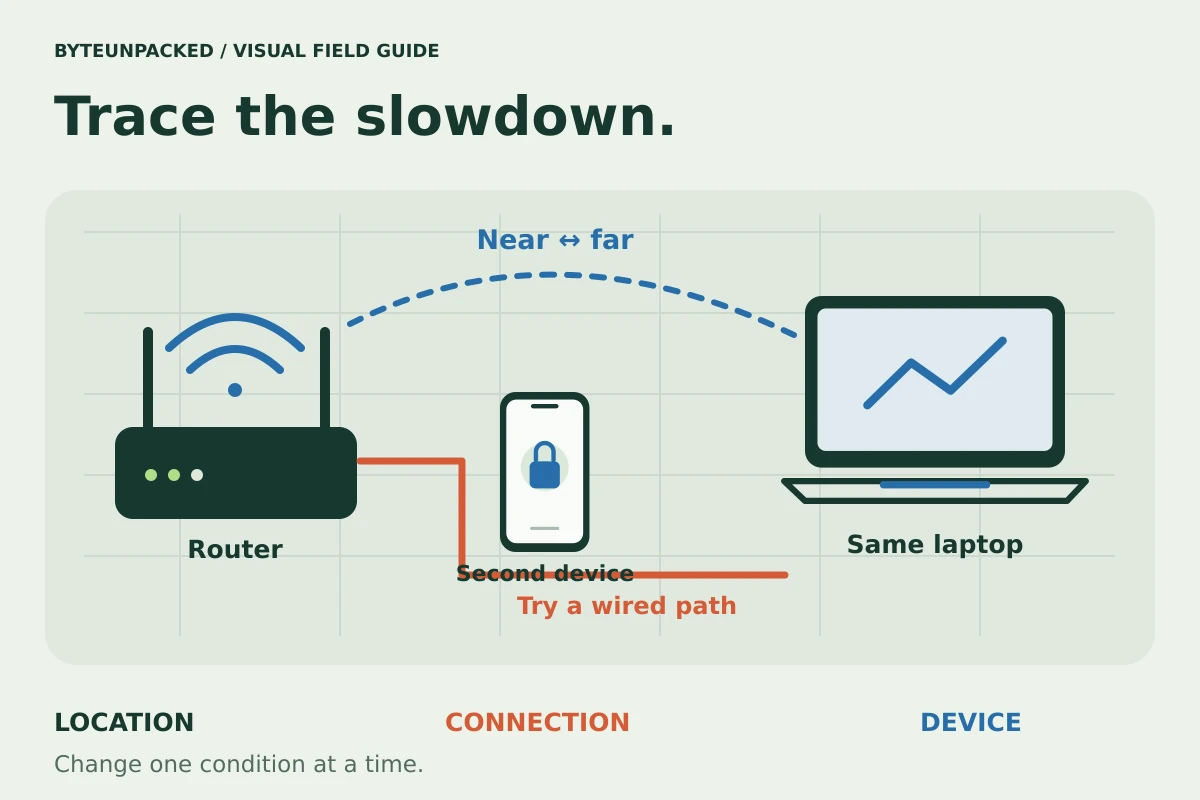
Keep an observation record: exact board, firmware version, access point, selected band and the outcome you actually saw. Compare one change at a time. We cannot say which band is best in your building without a test, and a successful connection does not by itself measure latency, power use or coverage. Keep a known working configuration available while comparing a second setup, and note whether the access point and application support the same intended band.
- Identify the exact chip, module and development board.
- Check antenna and board documentation for the intended bands.
- Match firmware and framework to the correct chip target.
- Treat network performance and power as measurements, not assumptions.
Continue exploring the Hardware Field Lab →
Sources & further reading
Sources checked .
This is a source-based explainer, prepared with AI assistance and checked against the references above. It is not a hands-on product test. Read our editorial approach.