ESP32 is a family. Start with the job.
A sensor, a voice device and a graphical display do not need exactly the same hardware. Here is how to read the family names.
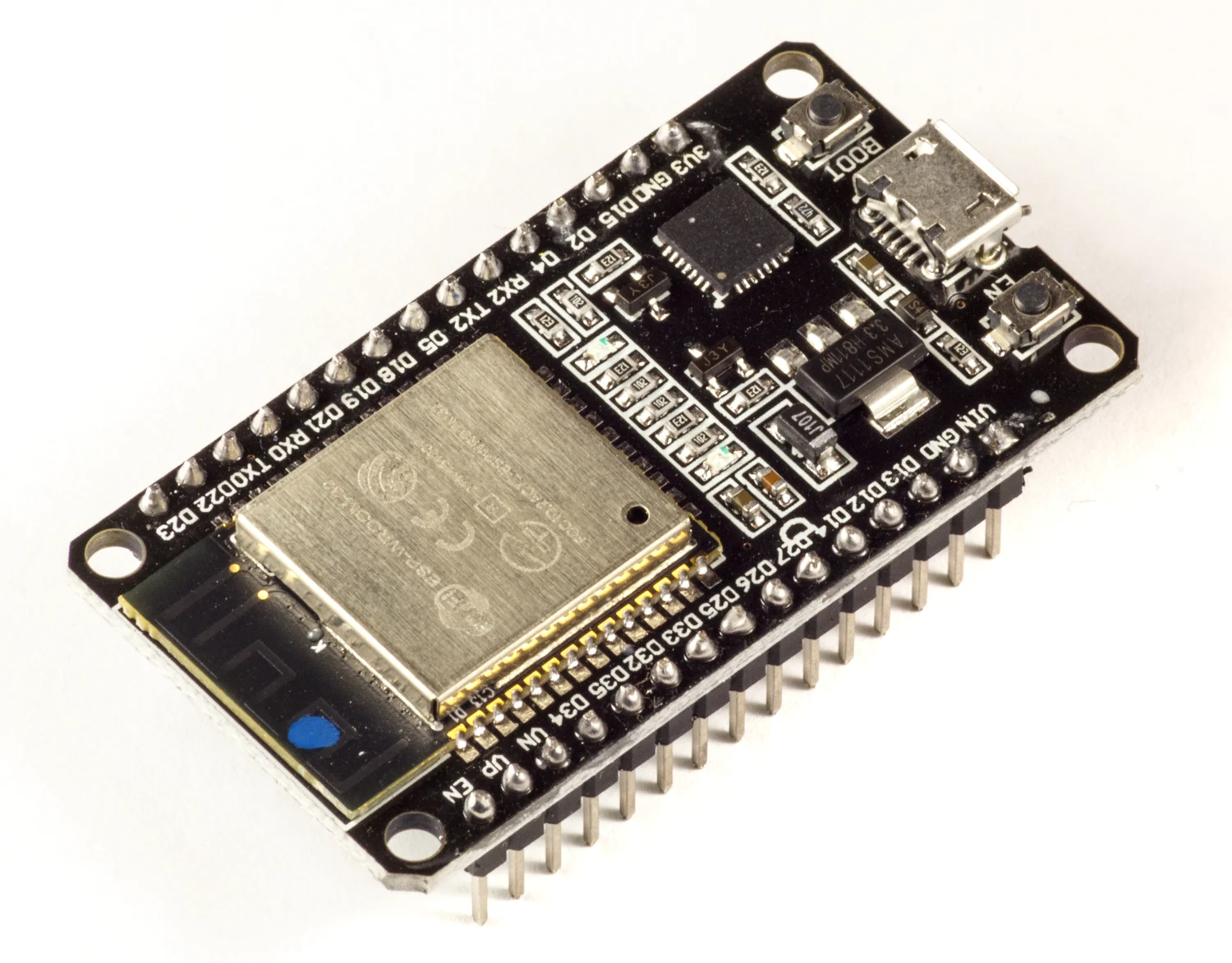

A small map of the family
| Family | Useful distinction | Question to ask |
|---|---|---|
| C3 | 2.4 GHz Wi-Fi and Bluetooth LE | Does the board expose the interfaces your sensor needs? |
| S3 | Dual-core processing; used for audio, displays and camera projects | Does this module have the required working memory? |
| C6 | 2.4 GHz Wi-Fi 6 plus 802.15.4 capabilities | Does your chosen software support the protocol you need? |
| C5 | 2.4 and 5 GHz Wi-Fi | Does the exact framework version support your use case? |
| P4 | Multimedia-oriented processing; no built-in wireless | Which companion chip provides connectivity on this board? |
This is a starting map, not a ranking. A newer family can add a capability that is irrelevant to your project, while changing the software or peripherals you need to support.
Work backward from a real task
For a voice device, identify the microphone, audio output, memory and where each processing step runs. Home Assistant documents on-device wake-word detection on ESP32-S3 hardware. That does not place the entire speech pipeline or a large language model on the microcontroller.
For a graphical control panel, identify the display connection and memory requirements. For a sensor, begin with the sensor interface, network and power behavior. These questions are more productive than choosing the largest number in a specification table.
The software has its own timeline
A chip announcement and a stable framework release are different events. ESP-IDF v6.1 release notes describe ESP32-S31 support as preview. Espressif also maintains a dedicated support-status page. Check both before making a feature-specific claim.
Framework support is specific: support in ESP-IDF does not automatically establish the same support in an Arduino release or an ESPHome version. Keep the hardware model and software version together in your project notes.
Go deeper: use a four-line compatibility record
Write down the chip family, the board and revision, the module or memory configuration, and the exact framework release. Add the source link for each. This short record makes troubleshooting and later updates much easier.
Sources & method
Sources checked November 12, 2026. This explainer was prepared with AI assistance from the documentation below. Diagrams are original conceptual illustrations, not wiring instructions. We have not tested this hardware.
Your next connection.
What firmware really changes.
The same board can behave very differently with different software. Learn where that flexibility begins — and where the hardware still sets a limit.
Build & troubleshoot→EXAMPLE / ESP32 DEVELOPMENT BOARDChip, module, board, device.
Start with four layers. Suddenly the names on a circuit board become easier to understand.
Start here→