In this article5 sections
Working and supported describe different things
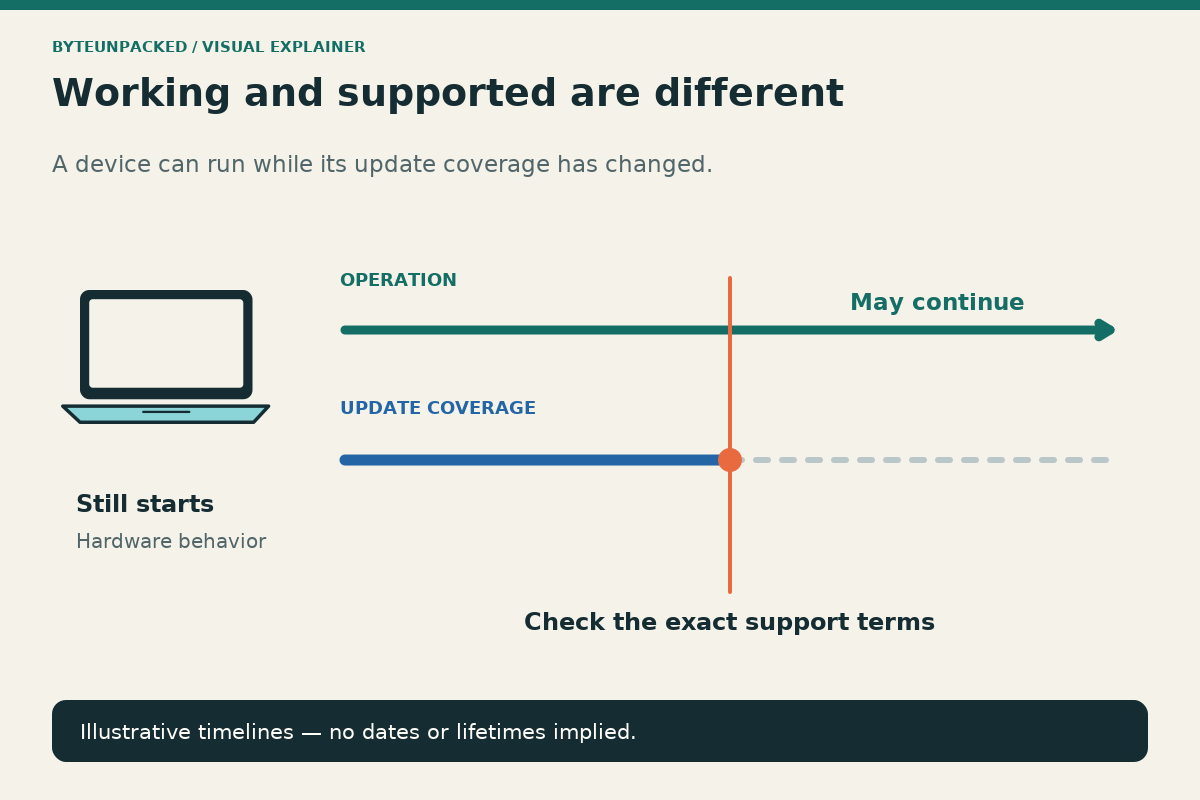
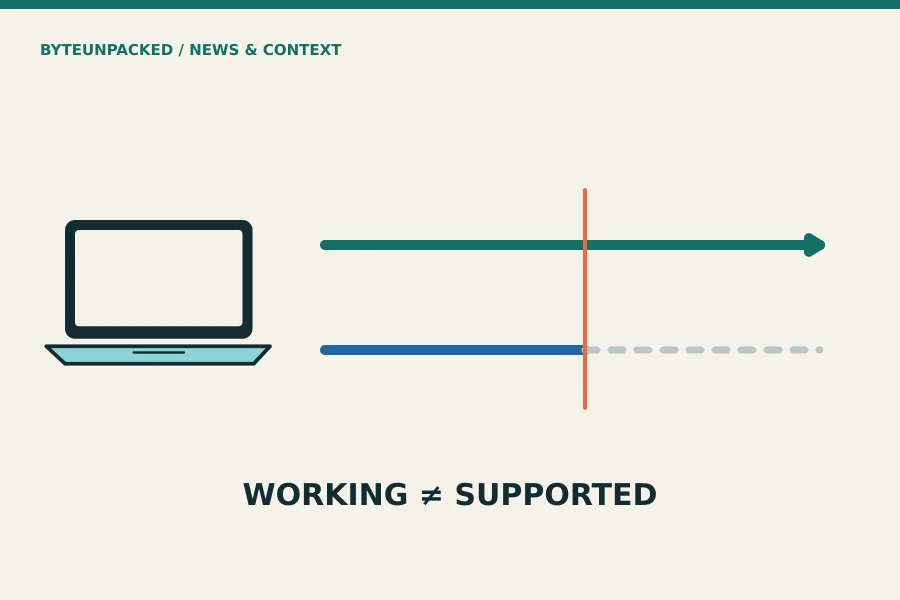
A computer that starts normally has demonstrated that it can still run. It has not demonstrated that its operating system will receive the next security fix. End of support concerns the vendor's continuing maintenance and assistance, not a universal switch that disables hardware on a particular day. That distinction prevents two mistakes: assuming everything instantly breaks, or assuming normal operation proves nothing needs attention.
Microsoft's Windows 10 guidance is an example. It says PCs continue functioning after the standard support deadline of October 14, 2025, while regular security fixes, software updates, and technical support end. The practical question is therefore what coverage applies to your installation now, including any eligible extension. A working desktop is not evidence of that coverage.
Start by recording the exact device model, operating system, edition, and version. Use that information on the manufacturer's support pages. Avoid deciding from a headline about a broad product family when the device in front of you may have a different support arrangement.

Find the date that applies to this device
On a Chromebook, Google provides a direct route: open Settings, About ChromeOS, then Additional details, and inspect Update schedule. This shows when the device is due to receive its final update. Google's guidance says a final-update notification means ChromeOS and browser updates stop, including security fixes, and that some existing features or app compatibility can be affected.
Google also distinguishes the manufacturer's end-of-sale date from update eligibility. A recent purchase does not establish a fresh support period. The useful record is the specific model's published update schedule, checked against the device's settings, rather than the date printed on your receipt.
Create one note containing the source page, the date you checked it, the support end date, and any condition attached to it. This makes the decision reviewable later. If the settings and published policy appear inconsistent, resolve that mismatch with the vendor before treating either a shop listing or an old article as definitive.
An extension may cover less than ordinary support
Microsoft describes Windows 10 Extended Security Updates as temporary coverage for eligible enrolled devices, providing critical and important security updates. Its licensing guidance explicitly excludes new features, non-security updates, design changes, and technical support. Installing a licensing prerequisite is not itself enrollment. Check the program terms and the device's actual enrollment status; the existence of an update package does not prove ongoing coverage.
Verify the extension's current deadline, eligible edition, account or organizational requirements, and what updates it includes. These details can change, and consumer and organizational programs should not be treated as interchangeable. This article deliberately does not turn one program's deadline into a general rule for every Windows installation.
An extension can create time for a planned migration. Give that time a purpose: identify essential software, test a supported destination, and confirm how files will be restored. An extension with no next step simply moves the same decision into the future.
Read the trade-offs before opting in
Google's Chromebook extended-update policy shows why the details matter. Certain eligible models released before 2021 need an opt-in to receive the full extended period. Google says that opting in removes Android apps and the Play Store on those affected devices, erases their local Android app data, and cannot be reversed. That is a meaningful workflow change, not just an extra date on a calendar.
The policy does not mean that every Chromebook loses Android support. Apply the conditions to the exact model. Before accepting an irreversible option, list the apps and locally stored data you depend on and follow the vendor's instructions for preserving what you need. Check whether web versions or a supported replacement setup meet your actual requirements.
Separate update coverage from convenience. A change that keeps the system maintained may still remove a feature you use daily. Understanding that in advance gives you time to prepare instead of discovering it after an update decision.
Make the next step specific
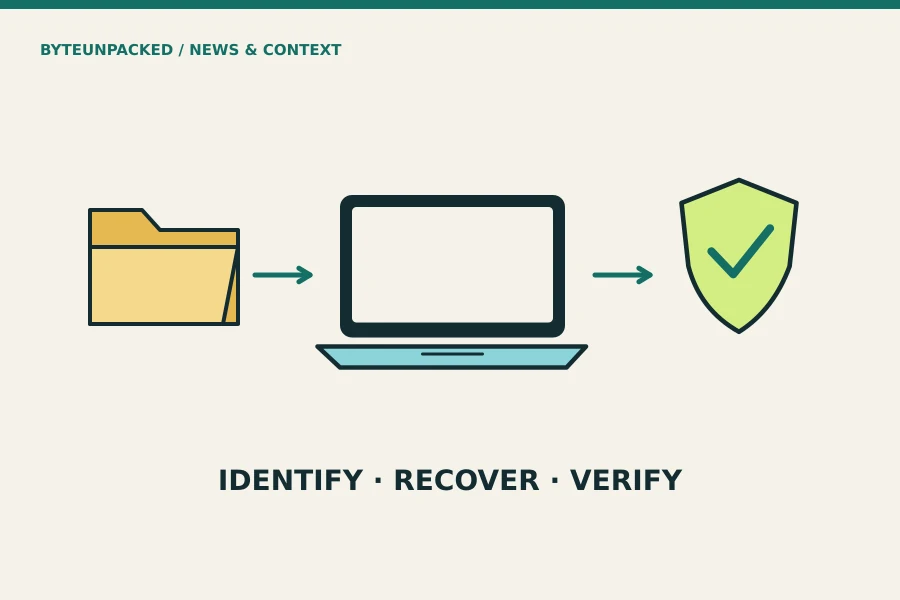
Choose among documented options for your particular device: a supported system upgrade, an eligible extension, or migration to a supported setup. Before making changes, back up important files and test that you can recover a sample. Include account recovery details and essential application requirements in the preparation; copying a folder is only one part of moving successfully.
Set a review date ahead of the verified support deadline. If coverage has already ended, prioritize resolving that gap rather than waiting for the device to feel broken. The aim is a controlled transition based on evidence, with enough time to check the result.
- Identify the exact model, edition, and software version.
- Record the applicable support date and its official source.
- Confirm extension enrollment, exclusions, and irreversible changes.
- Test recovery and essential applications before the transition.
Sources & further reading
This is a source-based explainer, prepared with AI assistance and checked against the references above. It is not a hands-on product test. Read our editorial approach.