In this article4 sections
Identify which part is missing
Start in Settings, Apps, Messages, then look for RCS Messaging. Apple documents this as the control for turning the service on or off. If the entry is absent, record that observation before troubleshooting individual conversations. A missing setting and an available setting that does not produce a working conversation are different problems, even if both feel like RCS is broken.
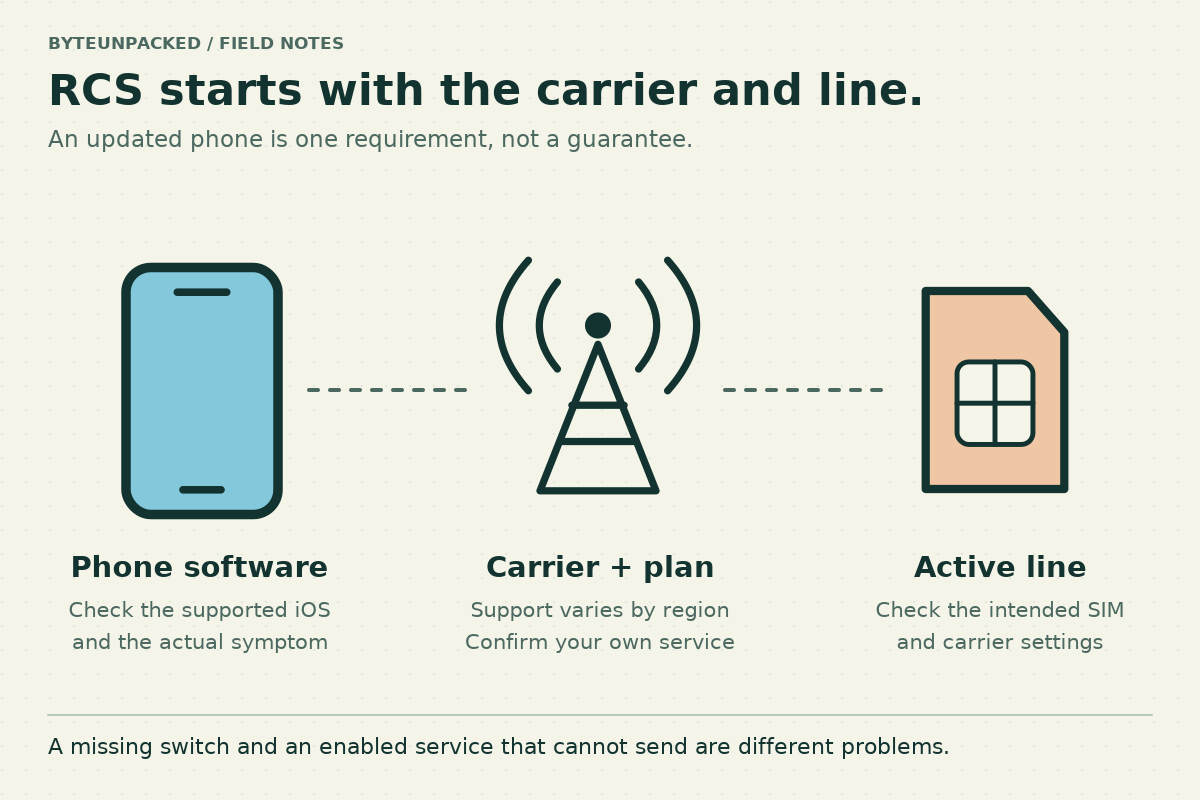
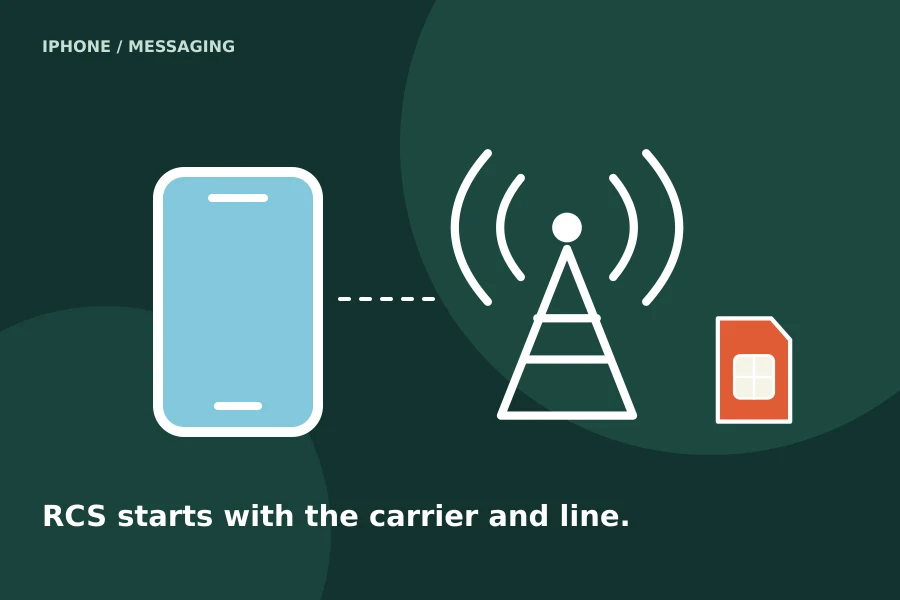
Apple describes RCS as a carrier-provided service and says availability varies by carrier and region. Its requirements include iOS 18 or later and a cellular plan from a carrier supporting RCS on iPhone. An up-to-date phone is therefore one requirement, not a guarantee that the option will appear. Apple explicitly notes that a missing setting can mean the service is unavailable.
For a useful starting note, write down your iPhone model, iOS version, carrier, country or region, and whether the switch is missing or merely off. Keep the note about your own phone. A screenshot from someone using another carrier cannot establish which controls should be present on your line.

Check support for the service you actually buy
Open Apple's carrier feature list and choose the relevant region. Look up the provider you pay, then inspect its listed messaging features. The list is organized by carrier rather than by the phone's appearance or the name displayed in a friend's conversation. Treat it as a starting reference and ask your provider about your particular plan if the entry is unclear.
A useful support question is: 'Does my current plan support RCS on this iPhone, and is the service available on this line?' Include the missing-switch symptom. That is more precise than asking whether the network has RCS somewhere. Avoid changing plans or replacing hardware on the strength of a generic feature announcement alone.
After a recent phone or SIM change, also check Settings, Cellular. Apple's message troubleshooting guide says the intended phone line must be enabled; on a device using multiple SIMs, check the number you want to use. This check establishes that you are investigating the intended line. It does not make an unsupported carrier support RCS.
Check carrier settings without resetting the phone
Apple provides a separate procedure for carrier settings updates: connect to Wi-Fi or a cellular network, then open Settings, General, About. Follow the prompt if an update is offered. The same page shows the installed carrier settings version. Apple notes that setting up a new eSIM or inserting a new SIM may require downloading settings for the new carrier.
Record that version if you need support. Apple directs users to their carrier to confirm whether it is current. An offered update is worth completing, but do not describe it as a guaranteed RCS fix: the carrier update document covers network settings and features generally. Recheck the original symptom afterward rather than assuming that any update resolved it.
Our suggested first pass stops short of erasing network settings, removing an eSIM, or deleting message threads. Those changes do not answer the initial support question. If a provider requests a broader repair, first establish what it changes and how you will retain access to your phone service.
If the switch appears, test one conversation
If RCS Messaging is available, turn it on and allow for the initial delay Apple describes. Then test a simple message with a contact who can help you compare what each device shows. A successful result with one contact gives you a narrower problem to investigate if another conversation still fails.
If sending fails, check connectivity and record the delivery alert. Apple's troubleshooting guidance distinguishes message types and recommends checking carrier support for the type you are trying to send. Keep screenshots free of private conversation content when seeking help. The goal is to describe the missing feature or failed action clearly enough that support can investigate the right service.
- Record whether the RCS switch is missing, off, or enabled.
- Confirm support for your carrier, region, plan, and active line.
- Check for a carrier settings update under General, About.
- Retest and report the exact remaining symptom.
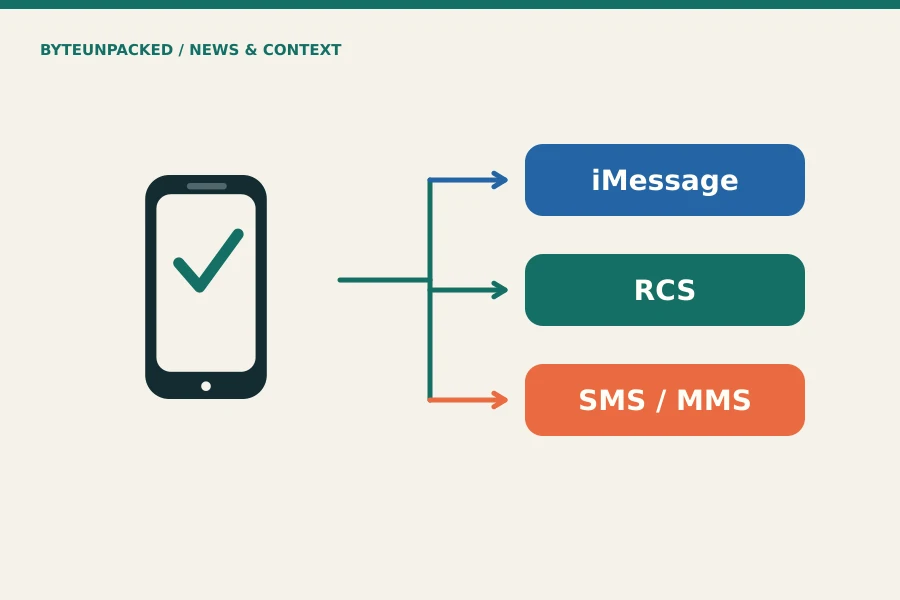
Related guide: How to tell RCS, SMS, and iMessage apart.
Sources & further reading
This is a source-based guide, prepared with AI assistance and checked against the references above. It is not a hands-on product test. Read our editorial approach.