In this article5 sections
Define a result you can inspect
Imagine an automation that reads a request, drafts a response, and creates a follow-up task. Before connecting the final actions, write down the result you expect: which request qualifies, what the draft must contain, and when a task should exist. Keep the first version narrow enough that you can inspect every output.
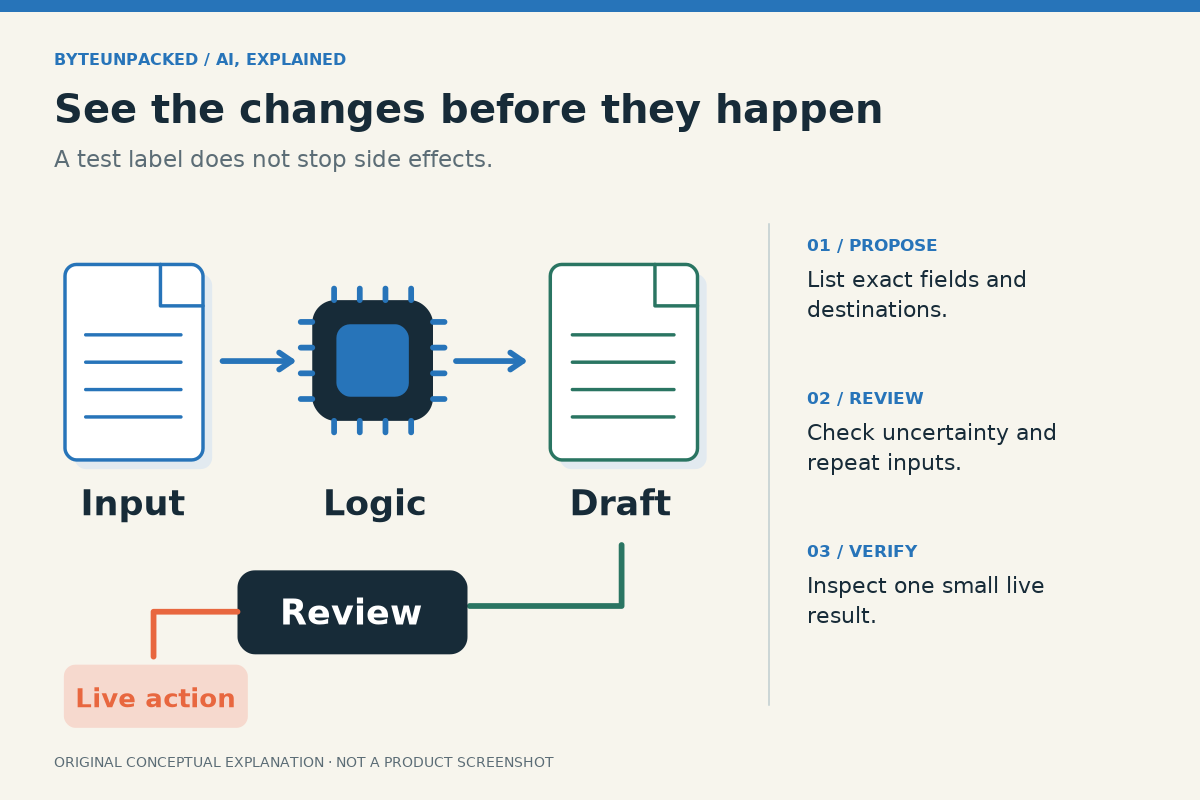
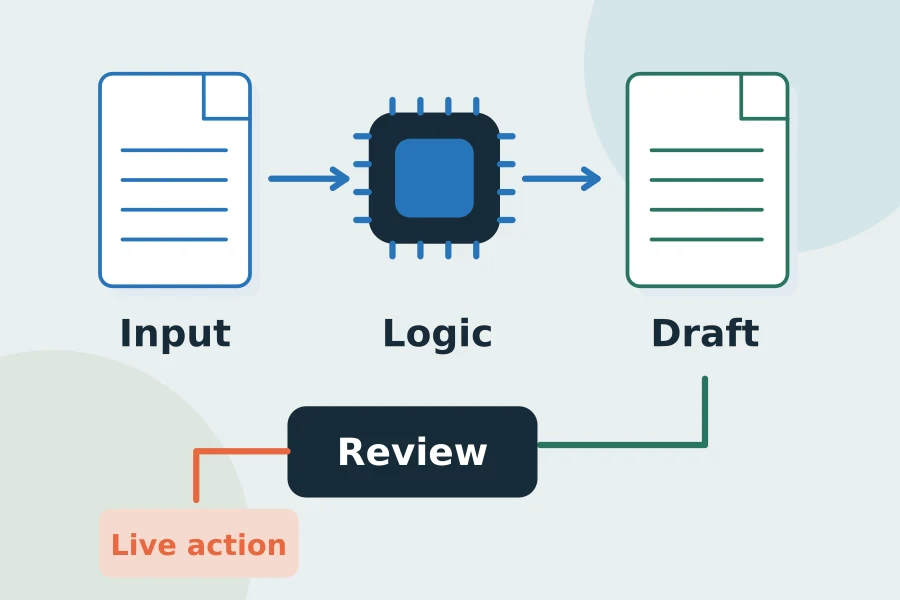
For this workflow, a useful dry run ends with a proposed action list. Each entry should name the source request, intended recipient or destination, proposed text or changed fields, and the reason it qualifies. Your goal is to inspect the decisions before they become messages or records. A reassuring completion sentence does not provide that evidence.

Make the test boundary real
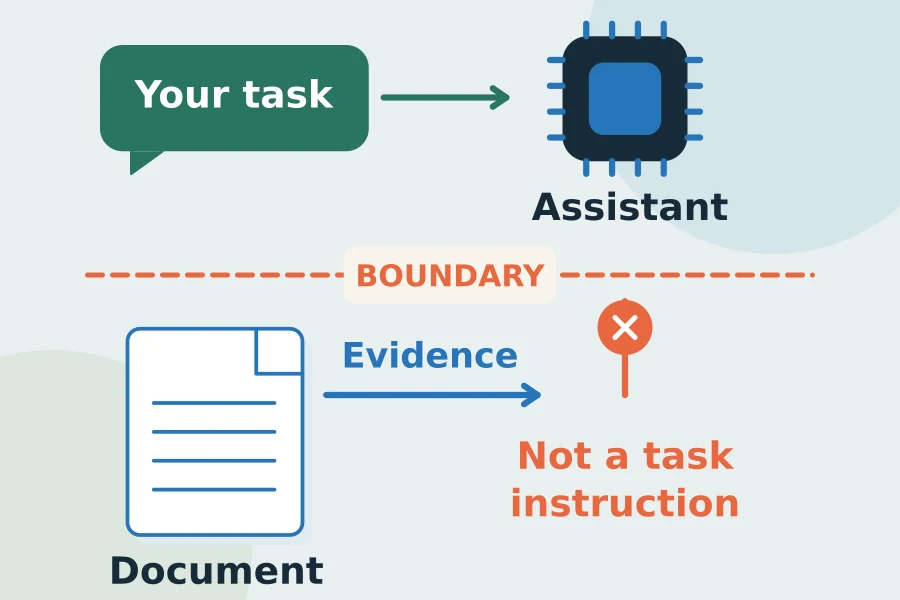
A button labeled test is not enough information about side effects. n8n documents manual executions as actual runs of workflow logic from the editor. Its data-pinning feature substitutes saved output for a pinned node during development, but production runs ignore pinned data. That distinction matters when you move from a controlled example to live inputs.
For a genuine dry run, disconnect or replace every step that sends, publishes, deletes, or changes a real record. Send the proposed changes to a test table or private draft instead. Where a service offers a sandbox, use its test credentials and test destination. Check downstream branches too: the obvious final step may not be the only writer.
Pinning sample input can make comparisons repeatable, as n8n’s mocking documentation explains. It does not establish that later nodes are harmless. Walk through the workflow from the trigger and identify every external call. Keep a small diagram or written list if that helps you see where a change could occur.
Test the awkward inputs as well as the easy one
Build a handful of fictional requests with expected outcomes before running the model. Include a straightforward request, missing information, a request outside the workflow’s scope, and one that requires clarification. Add two similar names so you can see whether the automation chooses the intended person or invents a match.
For an example appointment request, specify that an absent date must produce a draft question, not a guessed booking. For an email classifier, specify that an unclear category remains unassigned. These expectations belong in your review checklist and, where possible, in application validation. The AI’s explanation is useful, but the resulting fields must satisfy the rule.
Repeat an identical input and vary a small detail such as a date format or extra paragraph. Check the proposed destination, the extracted facts, and whether the system stops when information is missing. Record the cases that fail. Fix the concrete failure and rerun those cases before expanding the workload.
Decide what a retry means
A request can be delivered again, or a workflow can lose the reply after a destination accepted its change. If you simply rerun everything, a second task or message may appear. Keep a stable identifier for the source item and the intended operation, then use it to recognize work already completed.
Stripe’s API documentation gives one explicit example: idempotency keys let a client retry a supported request without repeating the same operation. The exact behavior and retention depend on the API version and service. This is a pattern to look for in your destination’s documentation, not a promise that every connector provides duplicate protection.
For a task-creation workflow, store the destination task ID beside the source request ID after success. Before retrying an uncertain operation, look up the actual destination where possible. If the outcome remains unknown, send it for review. A separate check-then-create sequence can still race when two runs overlap, so do not describe a simple spreadsheet lookup as an absolute guarantee.
Move to a small live batch
Once the dry run produces the expected proposals, enable a limited live batch that you can review immediately. Keep a clear stop control and a record of input IDs, actions attempted, returned destination IDs, and failures. Avoid saving unnecessary private content in the log. Inspect the destination itself to confirm that the intended change exists.
- Start with one harmless item and verify its actual result before allowing a larger batch.
- Confirm that retries do not create a second result for the same intended operation.
- Keep uncertain cases in a review queue with a clear reason.
- Retest the affected cases after changing prompts, models, permissions, or connectors.
- Expand only when the remaining failures and recovery steps are understood.
Sources & further reading
This is a source-based explainer, prepared with AI assistance and checked against the references above. It is not a hands-on product test. Read our editorial approach.