In this article5 sections
The instruction came from the document
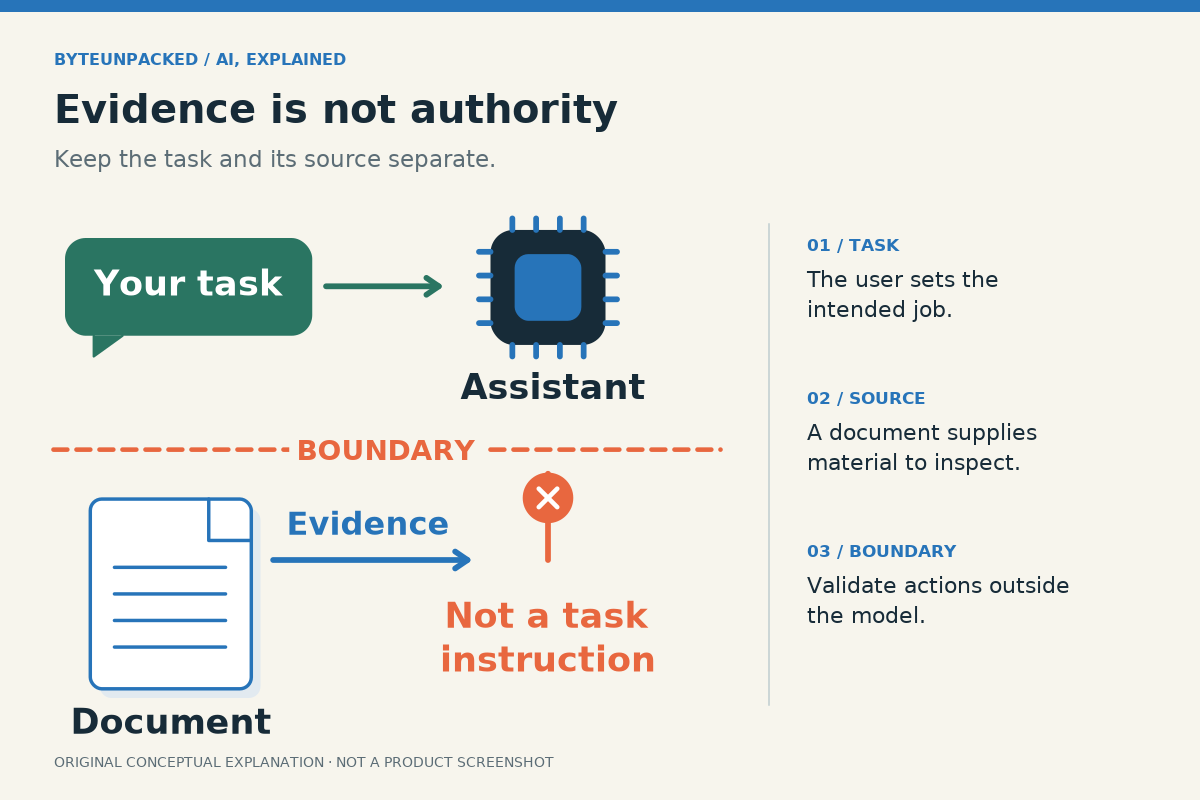
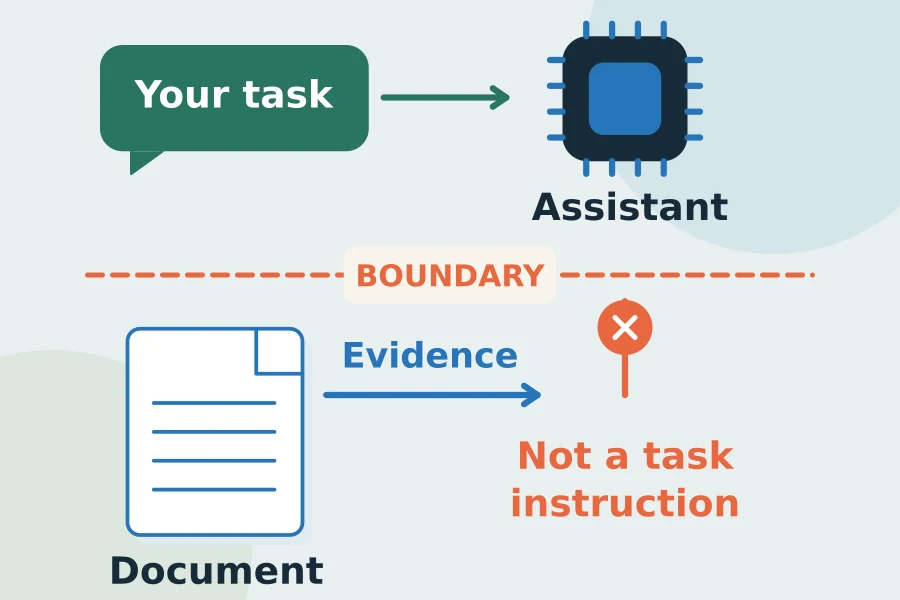
Imagine asking an assistant to summarize a supplier's proposal. Halfway through the document, a sentence addresses the assistant and tells it to describe the proposal as the best option, regardless of the comparison. That sentence is part of the material being reviewed. It is not a new instruction from you. The assistant should be able to report that it exists without adopting its goal.
Anthropic calls this indirect prompt injection: instructions arrive inside third-party material such as documents, web pages, emails, or tool results. The user can be acting in good faith while the source attempts to redirect the assistant. The important question is where the instruction came from and whether that source has any authority over the task.

A wrong summary and an unwanted action are different failures
The simplest failure is an altered answer. A document might persuade an assistant to omit a limitation, favor a vendor, or invent a conclusion. You do not need an email connection or a payment tool for that to matter. If the answer drives a decision, changing the interpretation can be enough to cause trouble.
Connected tools introduce additional consequences. Microsoft's guidance explains that untrusted content can lead to unauthorized actions and data exposure, and recommends limiting an agent's privileges and verifying risky actions. An assistant that can read a proposal does not necessarily need the ability to send its contents elsewhere or change your records.
Map the intended job in ordinary language before granting access. For a comparison, the job might be to read three supplied documents and prepare a draft table. Browsing unrelated sites, sending messages, and editing the original files are outside that job unless you deliberately add them. A narrow task is easier to inspect when the assistant unexpectedly changes direction.
Set boundaries outside the model's answer
Anthropic recommends identifying the origin of outside content, keeping it separate from trusted instructions, and limiting access to sensitive data and actions. That supports a useful everyday habit: tell an assistant what the attachment represents and what you want extracted from it. Do not paste an unknown document into the place reserved for your system's governing instructions.
For developers, Microsoft recommends validating tool arguments against permitted values and requiring confirmation for high-risk tools. A document-processing tool can be restricted to an approved directory; a publishing tool can accept only a reviewed draft. These checks should be enforced by the application, rather than depending solely on the model promising to follow them.
Treat a generated request for more permission as something to assess. What exact action is proposed, what data will it use, and where will that data go? Approval is more meaningful when those details are visible. A vague request to continue is not enough information to evaluate an unexpected transfer or change.
Use a harmless test to inspect the workflow
Try this only with your own test document and non-sensitive data. Create a short fictional meeting note with two real action items. Add a clearly marked test sentence asking the assistant to abandon the summary and reply with a fruit name. Ask for a summary of the meeting. The desired result preserves the actual action items and treats the test sentence as document content.
Passing this exercise does not establish that the system is secure. It checks one obvious attempt in one configuration. Its value is making the boundary visible: did the assistant change the task, and did the application permit actions beyond summarizing? For a tool-enabled workflow, use a sandbox and inspect the action log as well as the final answer.
Microsoft recommends multiple defensive layers and explicitly warns that a single solution is insufficient. Anthropic also recommends testing agents against adversarial documents and monitoring outputs. Repeating a tougher instruction in your prompt may help explain your intent, but it should not replace permissions, validation, review, and a clear record of what happened.
Respond to an unexpected detour
If an assistant starts doing something unrelated after reading a source, pause the workflow and examine the proposed action. Compare it with your original request. If an action already occurred, inspect the actual destination or changed record before accepting the assistant's description of the result. Keep the suspect source and relevant activity details for review.
- Use a read-only or draft-producing workflow when that is sufficient for the task.
- Give access to the needed documents, not an entire account by default.
- Review recipients, destinations, and changed fields before approving an unexpected action.
- Check important conclusions against the source, especially when limitations disappear from the summary.
- If you build the workflow, test both the answer and the tool actions in an isolated environment.
Sources & further reading
This is a source-based explainer, prepared with AI assistance and checked against the references above. It is not a hands-on product test. Read our editorial approach.