In this article5 sections
Give each everyday action its own answer
Whether a smart home works without internet is usually several questions. Can you operate a light from its switch? Can your phone control it over the home network? Does a scheduled routine still run? Can someone away from home reach it? One device can give different answers to each question, so a single offline-capable label leaves important details unresolved.
Start with three actions you actually depend on, such as turning on a hall light, adjusting a room's lighting, or running a bedtime routine. Write down the trigger, the device that decides what happens, and the accessory receiving the command. This short inventory gives you something concrete to check in documentation and later verify, without rebuilding the whole home first.

A local command still needs a working route
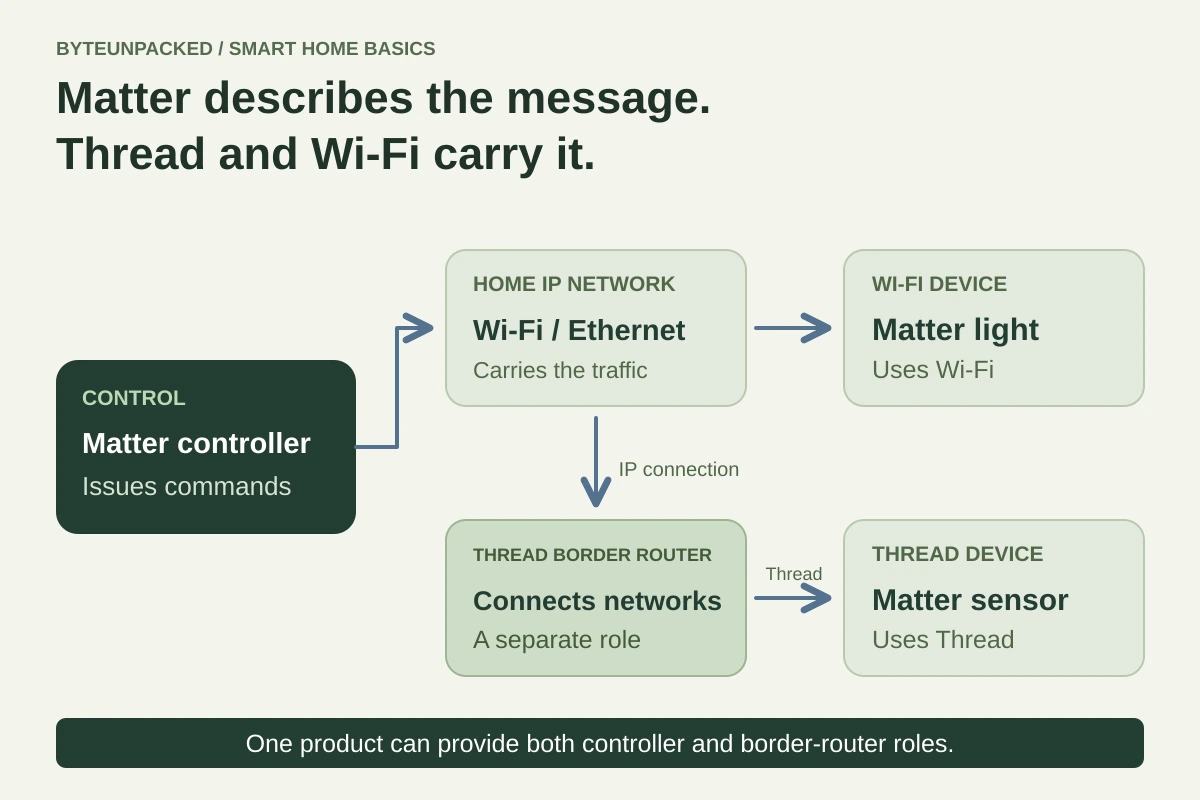
The Connectivity Standards Alliance describes Matter as a local connectivity technology. Its FAQ separately explains that controlling Matter-only devices from outside the home requires an internet-connected controller at home. A device may also offer a manufacturer's own remote service. Local control and away-from-home access are therefore distinct capabilities, even if both appear in one app.
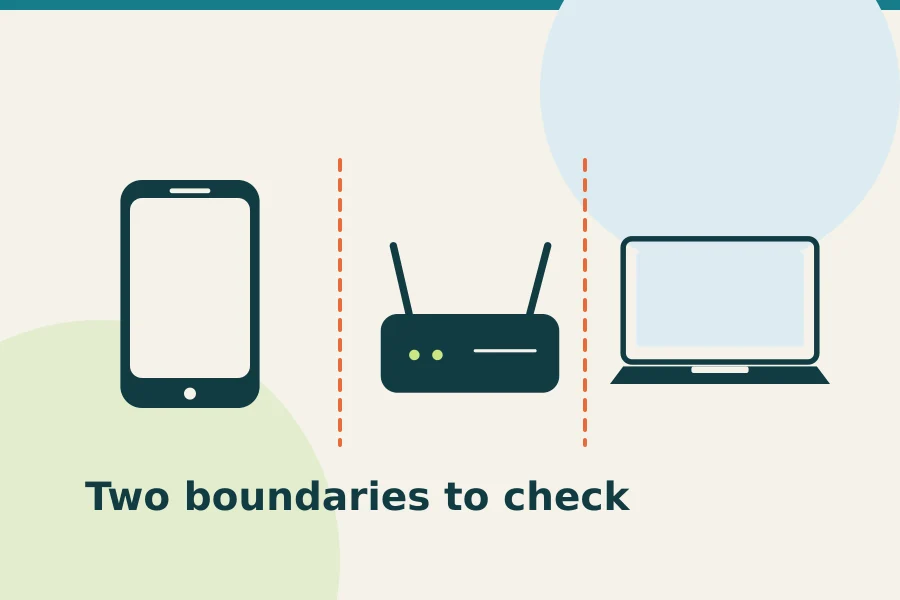
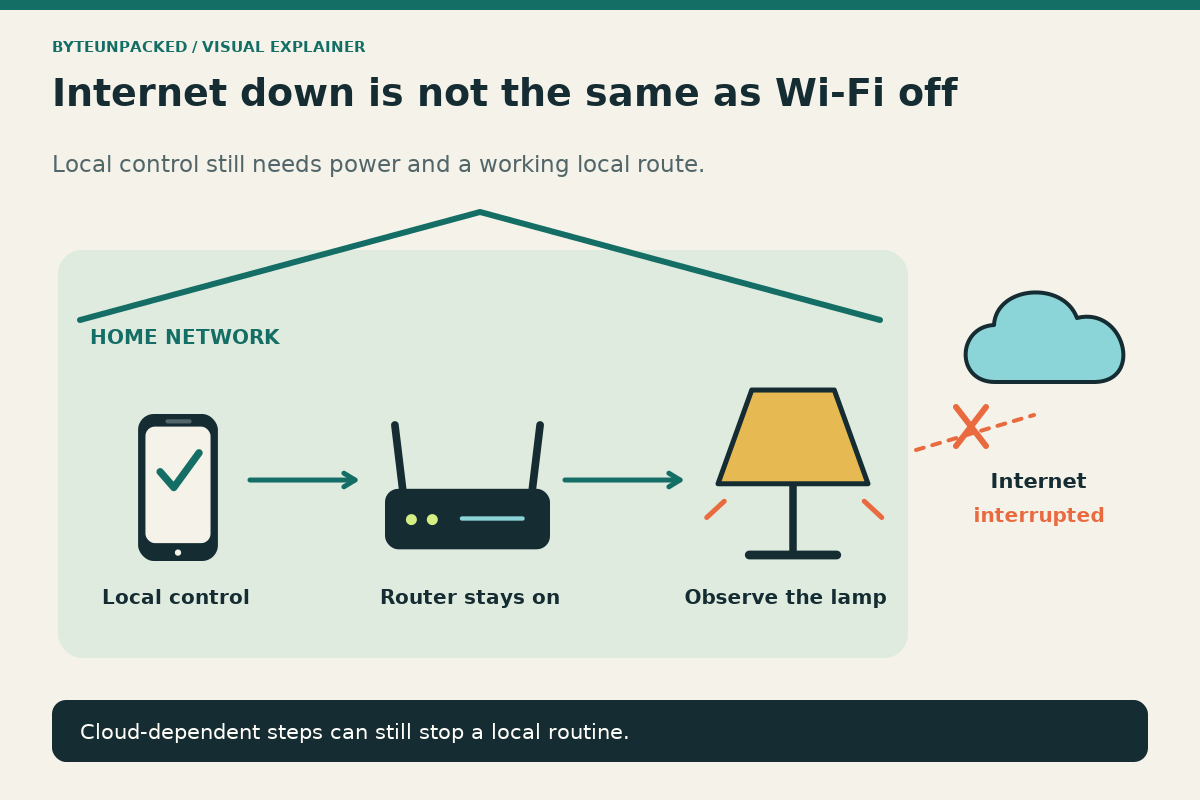
The local network must still connect the controller and accessory. The Alliance warns that guest-network isolation can block communication between Matter devices and their controllers. That is a network-access problem rather than proof the device needs a cloud service. Before blaming an internet outage, check that the router, relevant hubs, and accessories have power and that they can still communicate on the expected home network.
Look for cloud dependencies inside the routine
Home Assistant offers a useful concrete example. Its documentation says the system runs on hardware in the home and can keep controlling locally connected devices without internet. Cloud-only device integrations cannot reach those devices when the internet connection is unavailable. Remote-access services and updates also have separate internet requirements. The platform being local does not convert every connected product into a local one.
Apply that distinction to the whole routine. A local lamp might be the last step in a chain whose first step obtains an online weather forecast or uses a cloud service. A failure earlier in the chain can prevent the final command. This is a dependency to check, not a universal claim about every automation platform. Find where your particular trigger, conditions, and actions run before relying on their offline behavior.
A command and a confirmed result are different
Home Assistant's explanation of device integration distinguishes control from state: sending a command and knowing what the device actually did are separate capabilities. Some integrations report an assumed state based on the command they sent. A screen changing to On is consequently weaker evidence than seeing the lamp illuminate and receiving a confirmed state update.
For your inventory, record both parts. Does a physical change at the accessory appear in the app? Does an app command produce the intended physical result? If a dashboard can display stale or assumed information, note that limitation beside the routine. This is particularly helpful when a partial outage leaves some controls working while other status information stops updating. It avoids treating every green icon as proof of an end-to-end success.
Try one controlled, reversible outage test
Begin with a noncritical lamp and the manufacturer's documented offline behavior. If you can safely interrupt only the internet connection, keep the router and local hubs powered while testing. Turning the router off would test a different failure. Do not reset or unpair devices. Use the home Wi-Fi on your phone and temporarily disable mobile data so that the test does not quietly use a different route.
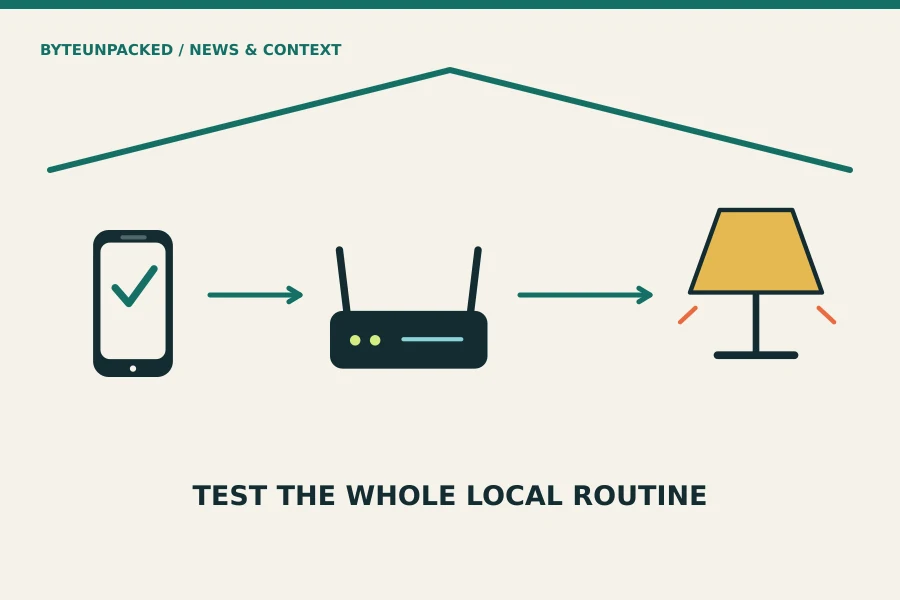
Try the physical control, local app control, and one simple routine separately. Observe the accessory itself and record which actions succeeded. Restore the connection and phone settings afterward. Avoid experimenting with locks, alarms, or essential equipment to learn the basics. A test of one lamp establishes that particular result; it does not certify every feature or device in the household.
Keep a short note of the app, firmware, and network arrangement used. Recheck important routines after a substantial configuration change. The useful outcome is knowing which everyday controls remain available and where a manual fallback is needed, before an unexpected outage makes that question urgent.
- Check physical, local-app, automated, and remote control separately.
- Trace the trigger and decision step as well as the accessory.
- Observe the actual result instead of relying only on a dashboard label.
- Keep the local network running when testing loss of internet.
Sources & further reading
This is a source-based explainer, prepared with AI assistance and checked against the references above. It is not a hands-on product test. Read our editorial approach.